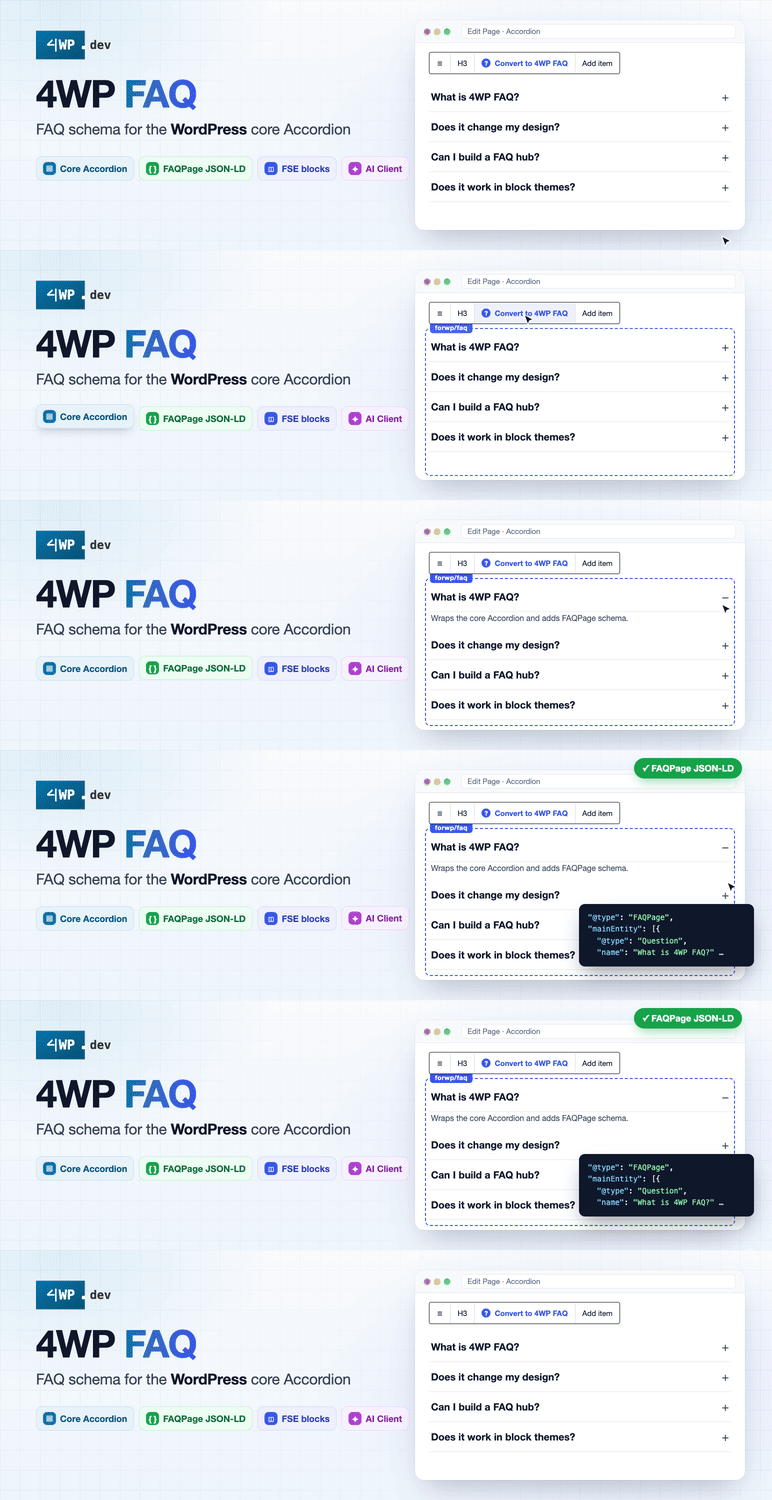
4WP FAQ
FAQ schema for the core Accordion. Scan every question into one registry, edit once, build a searchable FAQ hub.
Practical architecture for commercial WordPress projects — through open-source plugins, custom blocks, FSE themes and production Gutenberg patterns. Code you can study, reuse, or build on.
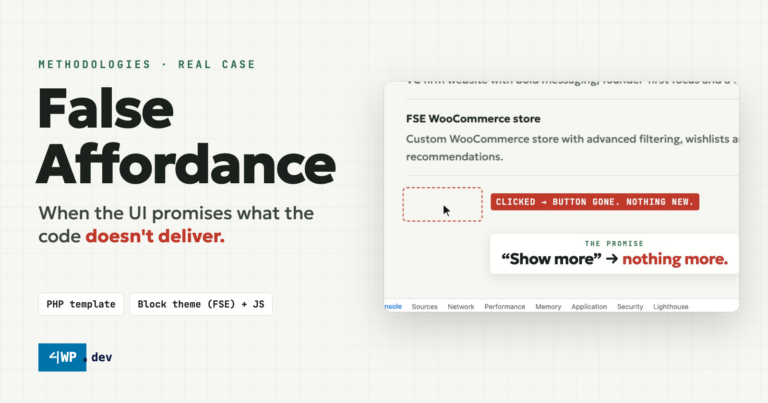
Introduction A false affordance is an interface element that suggests an action is possible, but the action does not actually…
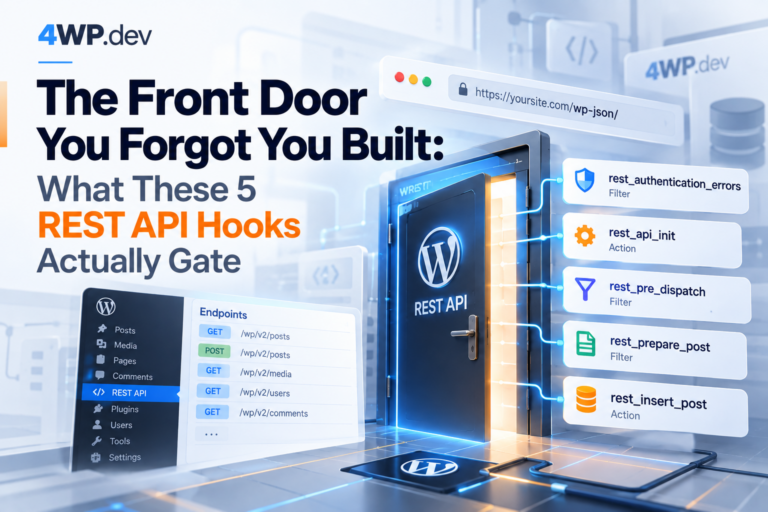
The Problem Every WordPress install answers REST requests at /wp-json/ whether or not anyone deliberately built an API — and…
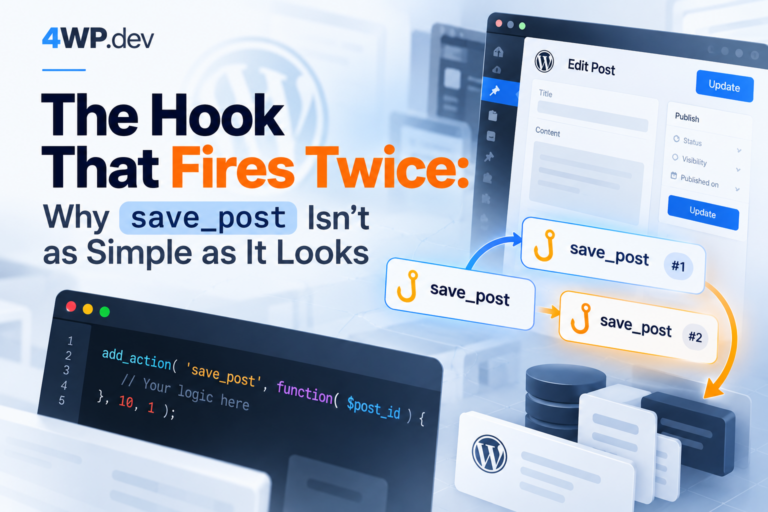
The Problem A developer hooks save_post to sync a post to an external service on every save. The code works…
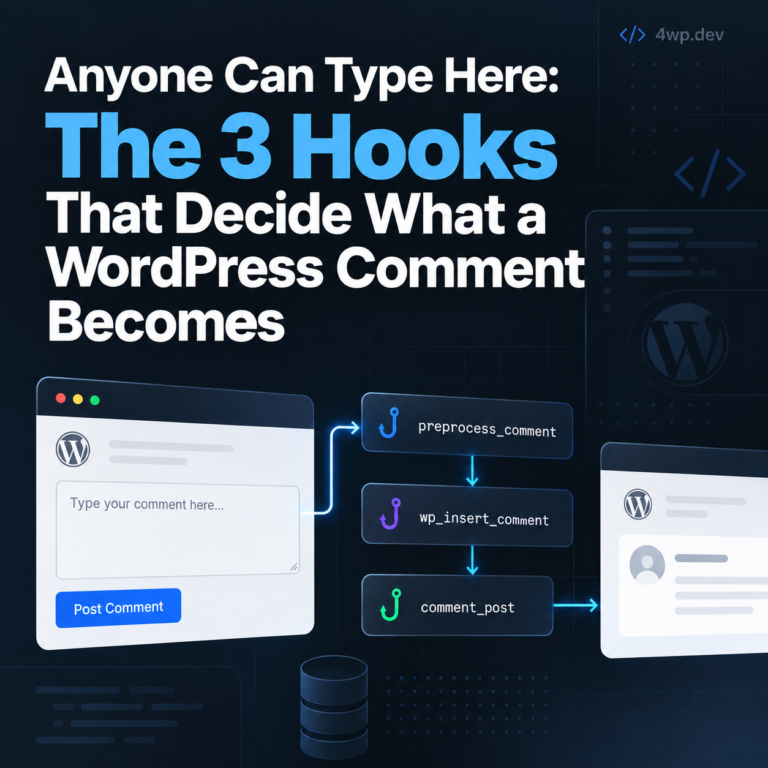
The Problem A comment form is the one place on most WordPress sites where an anonymous visitor’s text ends up…

The Premise wp-admin isn’t yours. The owner is WordPress core, and every active plugin is a tenant with its own…
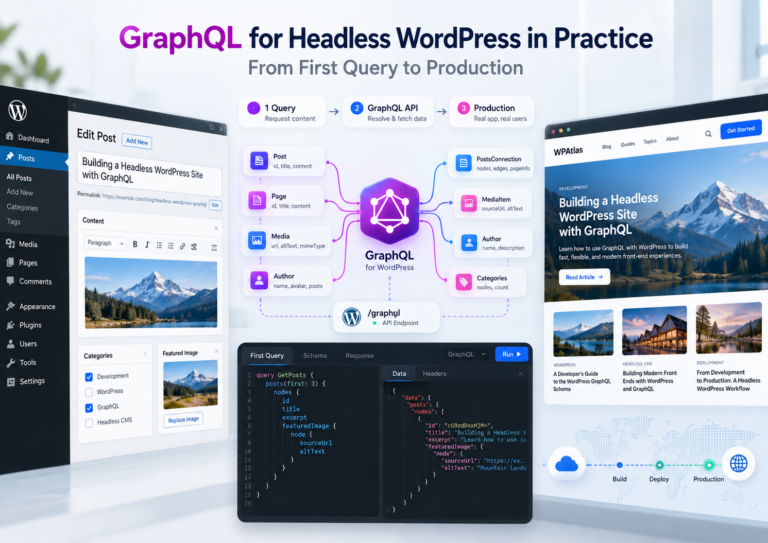
Step 1: The First Query — a Paginated Post List WPGraphQL uses cursor pagination: ask for first N nodes, then…
Free plugins on WordPress.org, built the way we teach here: Gutenberg-first, REST-ready, open on GitHub.
FAQ schema for the core Accordion. Scan every question into one registry, edit once, build a searchable FAQ hub.
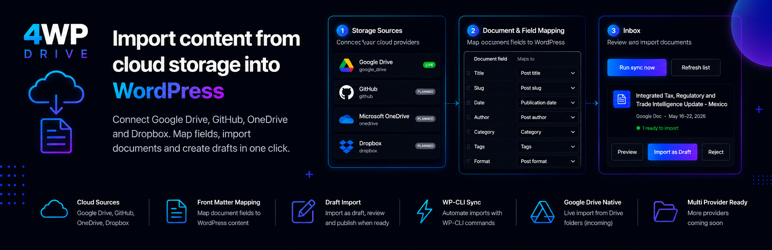
Import Google Docs and Markdown from Drive or GitHub into drafts, or update existing posts from Incoming.
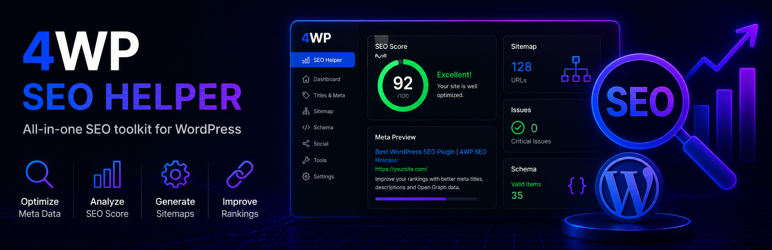
Site-wide SEO inventory and Google Search Console in wp-admin: P1–P3 lanes, URL inspection, indexing.
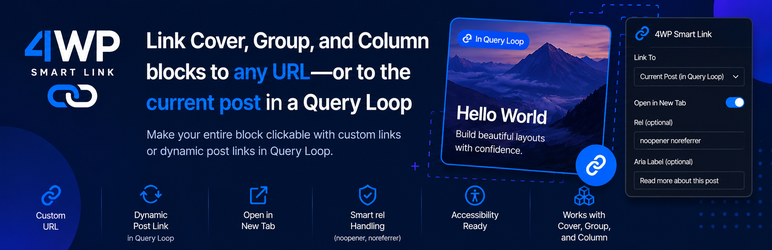
A clickable block link for Cover, Group and Column, also in Query Loop. No wrapper block, no custom code.
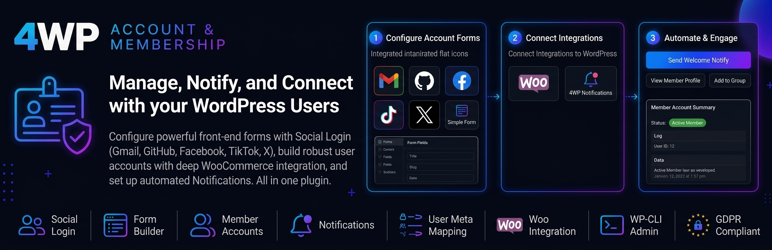
User account hub: registration, profile cabinet and social login with Gutenberg blocks.
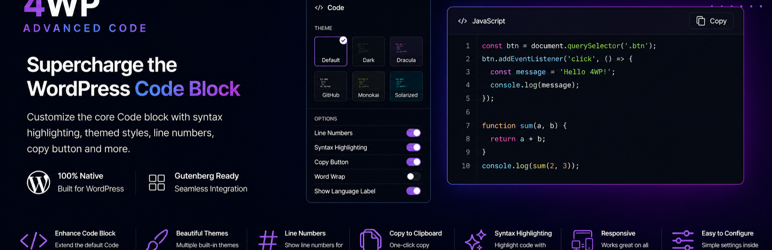
Enhanced Code block: syntax highlighting, copy and share, optional SoftwareSourceCode JSON-LD.
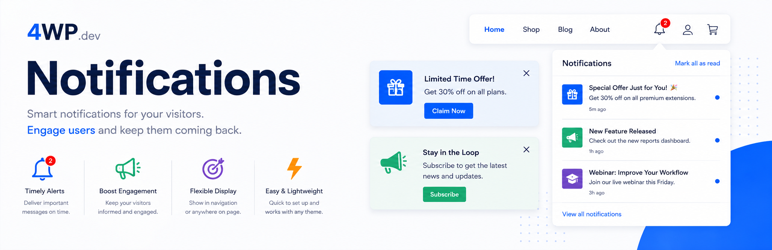
In-app notifications: bell block, inbox, WooCommerce events, broadcasts and a REST send API.
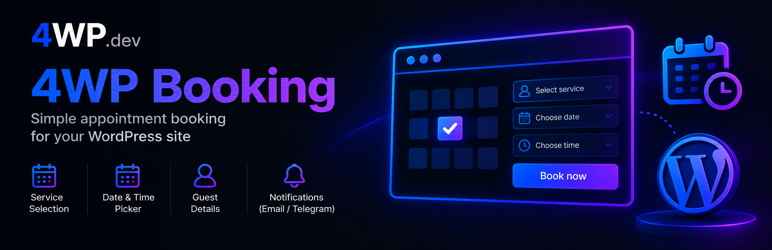
Native appointment calendar for Gutenberg, shortcode and Elementor, with Telegram alerts.
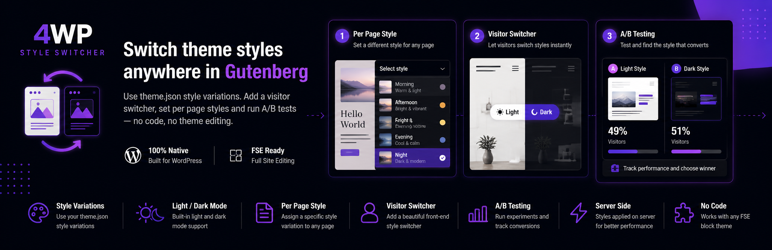
Apply theme.json style variations per page or let visitors switch styles on the frontend.
Team tasks and checklists inside WordPress: Gutenberg notes, kanban lists, REST.
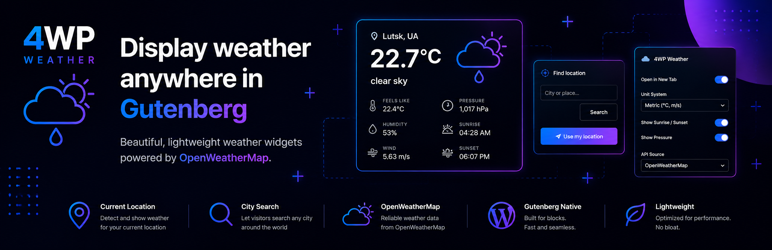
A customizable Gutenberg weather widget with secure server-side API calls.
New Shorts every day, plugins and source on GitHub.