Filters in WordPress are not just about modifying data.
In complex projects, they become tools for controlling core behavior.
Sometimes — they prevent infrastructure-level problems.
This article walks through a real B2B marketplace migration case and explains why returning false in specific filters is not a hack, but a deliberate architectural decision.
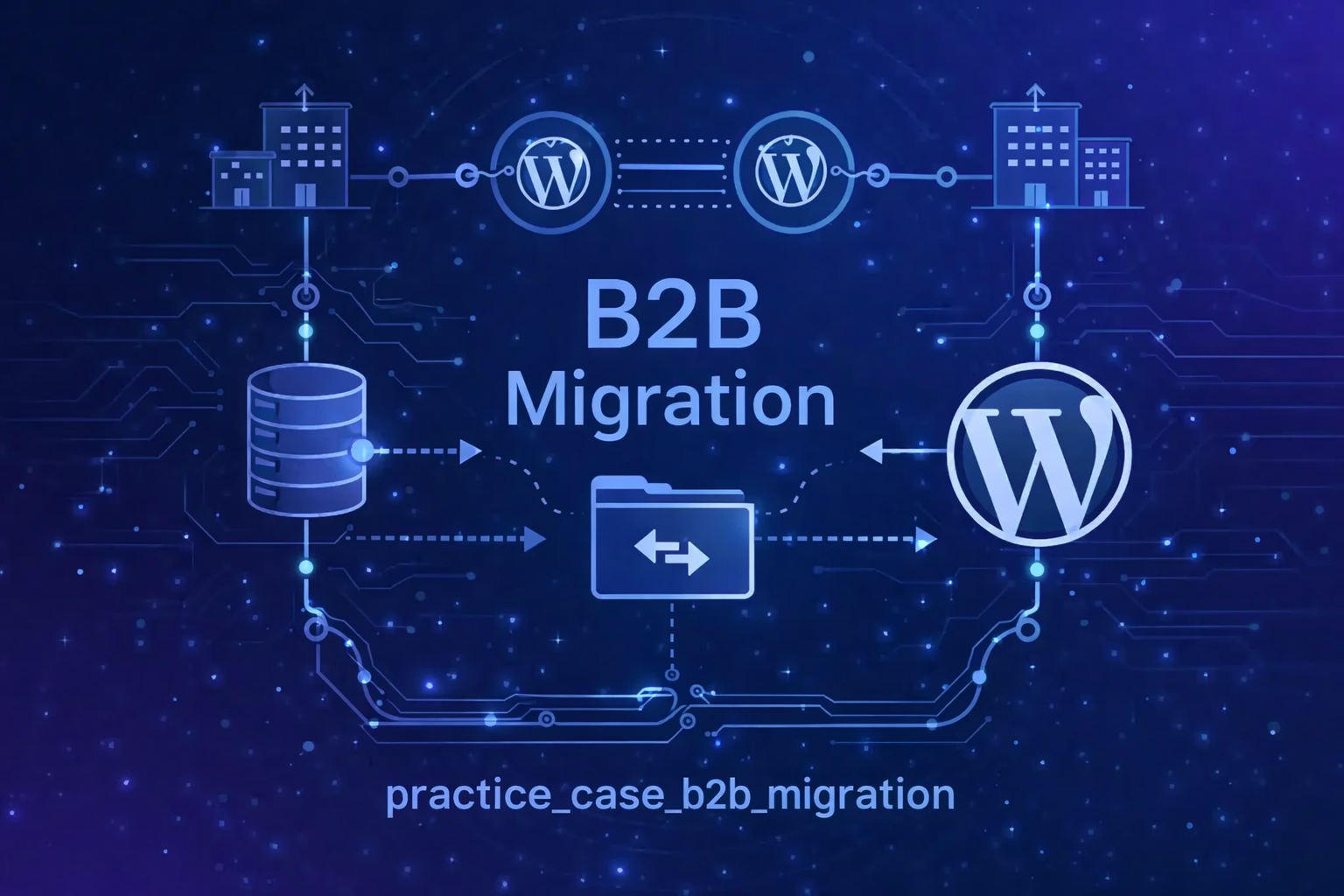
The Practical Case: B2B Marketplace + CRM Migration
Imagine the following scenario:
- You are building a B2B marketplace.
- The source of truth for users is an external CRM.
- Thousands of users must be migrated or synchronized.
- According to business requirements, user emails may be updated during migration.
At first glance, this looks like a standard import task.
It is not.
What WordPress Does by Default
When you create or update a user in WordPress:
- A new user notification may be sent.
- A password change notification may be sent.
- An email change notification may be triggered.
- Email verification flow may start.
For a regular user-driven interaction, this is correct behavior.
For a CRM-driven mass migration, this can become a serious issue.
Potential consequences:
- Thousands of system emails sent unintentionally
- SMTP throttling or blocking
- Damaged domain reputation
- Confused users receiving unexpected emails
- Support tickets and trust issues
This is not a minor technical detail.
This is an infrastructure and product risk.
Understanding the Core Email Triggers
When wp_update_user() is executed and the email changes:
- WordPress detects the change.
- It prepares a notification email.
- It applies the filter
send_email_change_email. - If the filter returns
true, the email is sent.
The key point:
We are not modifying the data.
We are modifying the decision point.
And that is architecturally significant.
The First Layer of Control (And Why It Was Not Enough)
During system design, we anticipated part of the core behavior.
We knew that creating users could trigger notifications.
So we disabled email notifications during user creation:
add_filter( 'wp_send_new_user_notification_to_user', '__return_false' );This prevented welcome emails during migration.
However, real-world testing revealed a gap.
Because during CRM synchronization:
- Some users were newly created.
- Some were updated.
- Some had their email addresses changed.
Even though we disabled new user notifications, WordPress still triggered:
send_email_change_emailBecause from the core perspective, email change is a separate event.
Lesson:
Disabling one filter does not mean you control the entire lifecycle.
The Critical Filter
To prevent unwanted email notifications during email updates, we implemented:
add_filter( 'send_email_change_email', '__return_false' );This filter controls whether WordPress sends an email when a user’s email address changes.
By default → true.
We deliberately return false.
This does not:
- Override core logic
- Modify user data
- Hack internal functions
- Disable WordPress email globally
It simply changes a boolean decision flag.
That is controlled behavioral override.
Minimal Plugin Implementation
In a migration-specific plugin, it may look like this:
register_activation_hook( __FILE__, array( $this, 'activate' ) );
register_deactivation_hook( __FILE__, array( $this, 'deactivate' ) );

// Disable email notifications when user email is changed
add_filter( 'send_email_change_email', '__return_false' );

// Disable new user notification
add_filter( 'wp_send_new_user_notification_to_user', '__return_false' );
Important:
This should not always be permanent.
Best practices:
- Apply only during migration
- Scope to CLI processes
- Use environment flags
- Disable after synchronization
Recommended Conditional Approach
Instead of applying the filter globally:
if ( defined('CRM_MIGRATION_PROCESS') && CRM_MIGRATION_PROCESS ) {
    add_filter( 'send_email_change_email', '__return_false' );
}
Or apply only within a specific service layer responsible for import.
Control the scope.
Do not disable system behavior blindly.
WordPress Filters: A Practical Classification
Understanding filter types helps avoid architectural mistakes.
1. Data Filters
Modify values.
Examples:
the_contentpre_user_email
2. Boolean Control Filters
Control system behavior (true/false decision points).
Examples:
send_email_change_emailsend_password_change_emailuser_has_cap
These are behavioral switches.
3. Pre-Validation Filters
Run before data persistence.
Examples:
pre_insert_user_data
4. Capability & Security Filters
Control permissions and access.
Examples:
map_meta_cap
In our case, we are dealing with Boolean Control Filters.
These are powerful and must be used responsibly.
Potential Risks of Misusing __return_false
Using __return_false without architectural understanding can cause:
- Security issues (e.g., disabling password change notifications globally)
- Lack of audit awareness
- Unexpected plugin conflicts
- Hard-to-debug behavior changes
- Reduced transparency in production systems
Filters are not shortcuts.
They are control points.
Why This Was Necessary in B2B Context
In our migration scenario:
- Users did not initiate email changes.
- Email changes were system-driven.
- CRM remained the source of truth.
- No verification flow was required.
From a UX perspective, sending system notifications would create noise.
From an infrastructure perspective, it would create risk.
From an architectural perspective, this was not optional — it was required control.
Engineering Lessons Learned
- Analyze full user lifecycle, not just creation.
- Study core trigger points inside
wp_update_user(). - Identify all related filters before mass operations.
- Control behavior using scoped boolean filters.
- Document every override decision.
WordPress core works correctly.
But it works correctly for interactive user scenarios.
A CRM-driven migration is not an interactive scenario.
If you do not control core triggers —
core will execute its default logic.
FAQ
General WordPress Filters
A filter allows you to modify data or control behavior before it is used or executed.
A filter returns a value and modifies data.
An action executes logic without returning data.
When configuration is sufficient, or when altering behavior may violate expected system logic.
User & Email Related Filters
It controls whether WordPress sends a notification when a user’s email address changes.
Only in controlled system-driven processes. Disabling it in user-driven production environments may create security risks.
Yes. The best practice is to conditionally apply filters during CLI imports or migration flags.
No. It only changes the behavior decision point.
Final Thought
Using:
add_filter( 'send_email_change_email', '__return_false' );is not about turning something off.
It is about taking control over system behavior.
In complex B2B architectures, filters are not customization tools.
They are infrastructure control mechanisms.
And every time you override a default WordPress flow,
you are making an architectural decision — not just writing a line of code.