
FAQ schema for the WordPress core Accordion
Not another FAQ block. 4WP FAQ wraps the Accordion you already use, adds FAQPage schema, and turns every question on your site into one registry you can reuse and display as a hub.
Schema JSON-LD · Zero Duplication · Content-First · FSE Hub
- Smart Layer — adds JSON-LD, aggregation and context without touching your design.
- Single Source — real questions from your actual content, never typed twice.
- Scalable — an FSE hub over the registry: list, category navigation and in-place search.
Download on WordPress.org · View on GitHub · See the live hub
Ask 4WP FAQ about itself
This section is the plugin at work: every question below lives in a 4WP FAQ block, gets scanned into the registry and comes back as a searchable hub.
[Hub: 4WP FAQ Count (“questions answered”) + 4WP FAQ Categories (left) + core Search with Filter 4WP FAQ List + 4WP FAQ List (right). Include: category “4WP FAQ” on List and Categories.]
Frequently Asked Questions
No FAQ entries found.
No questions found. Try another search.
Live on real sites
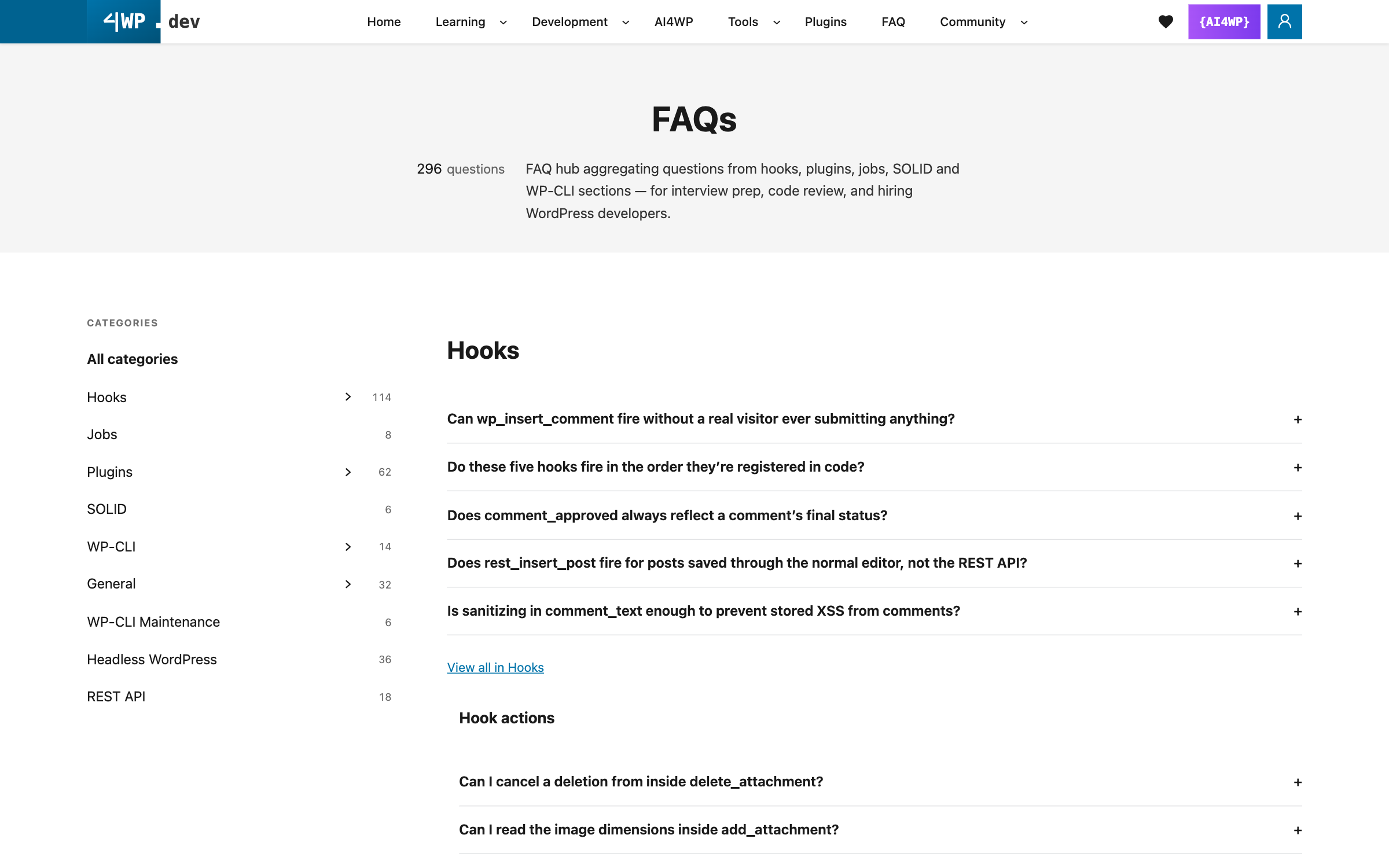
See it live: 4wp.dev FAQ hub · Solar installation FAQ, Marbella
See it in 60 seconds
Step by step
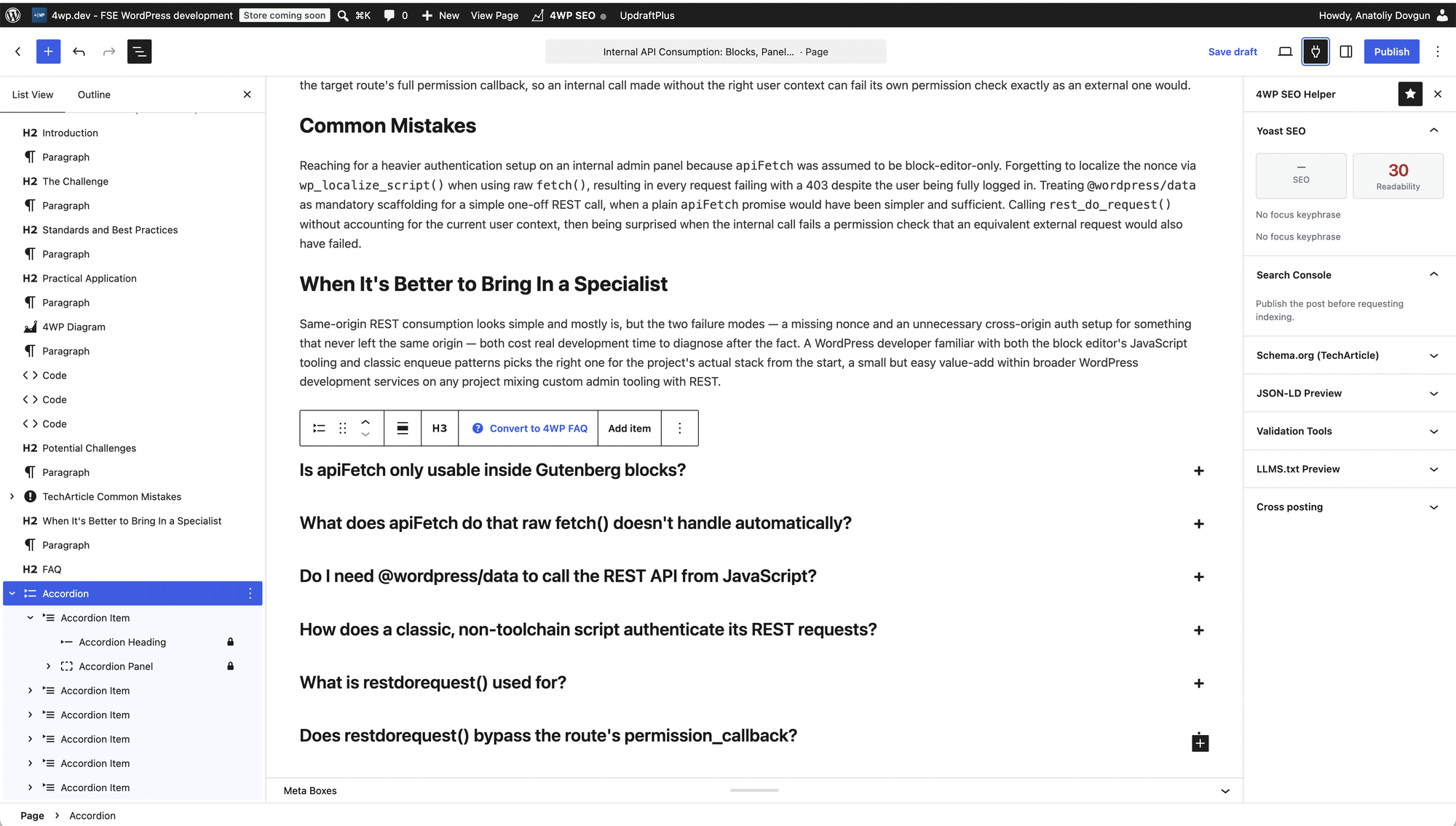

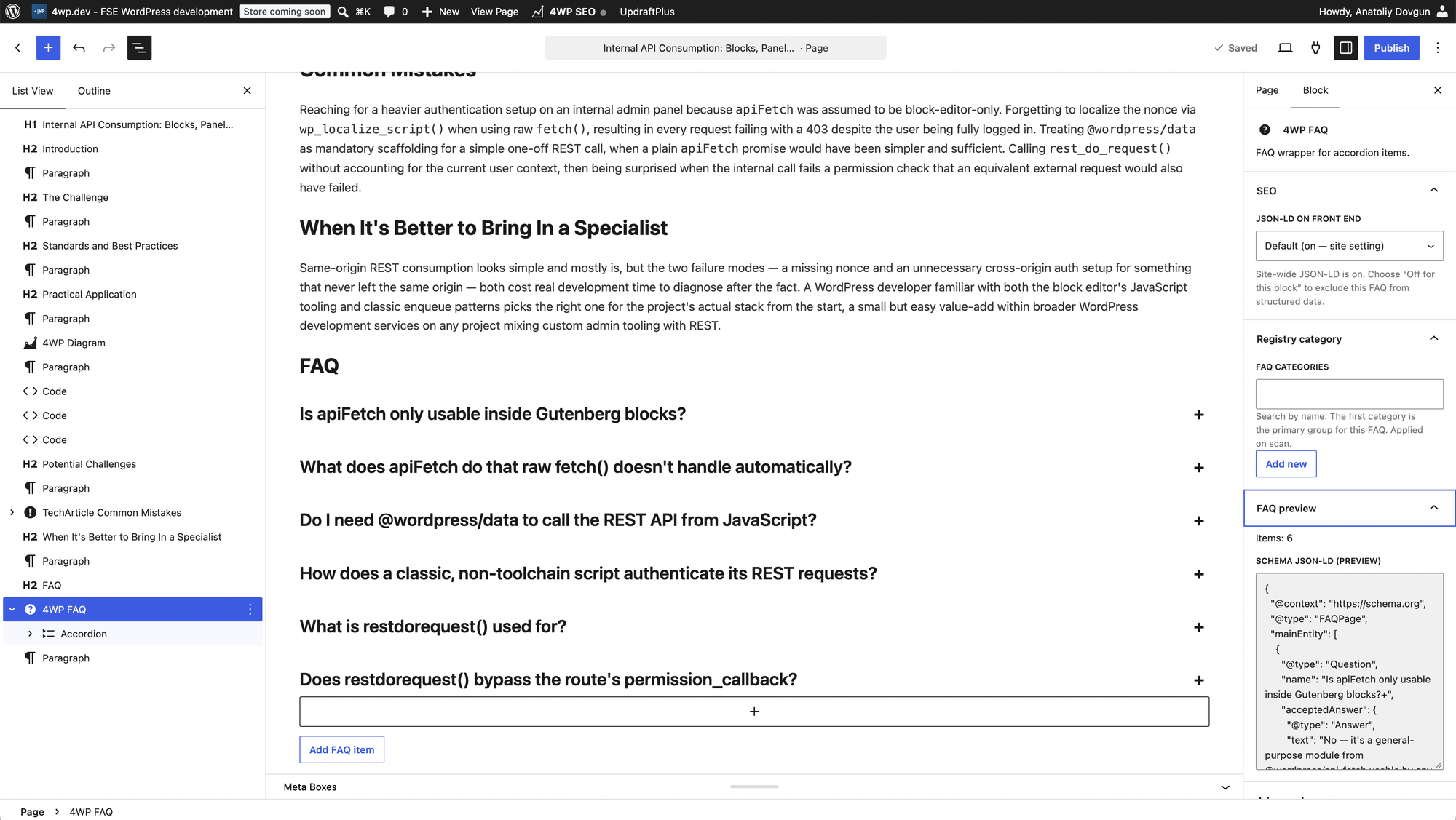
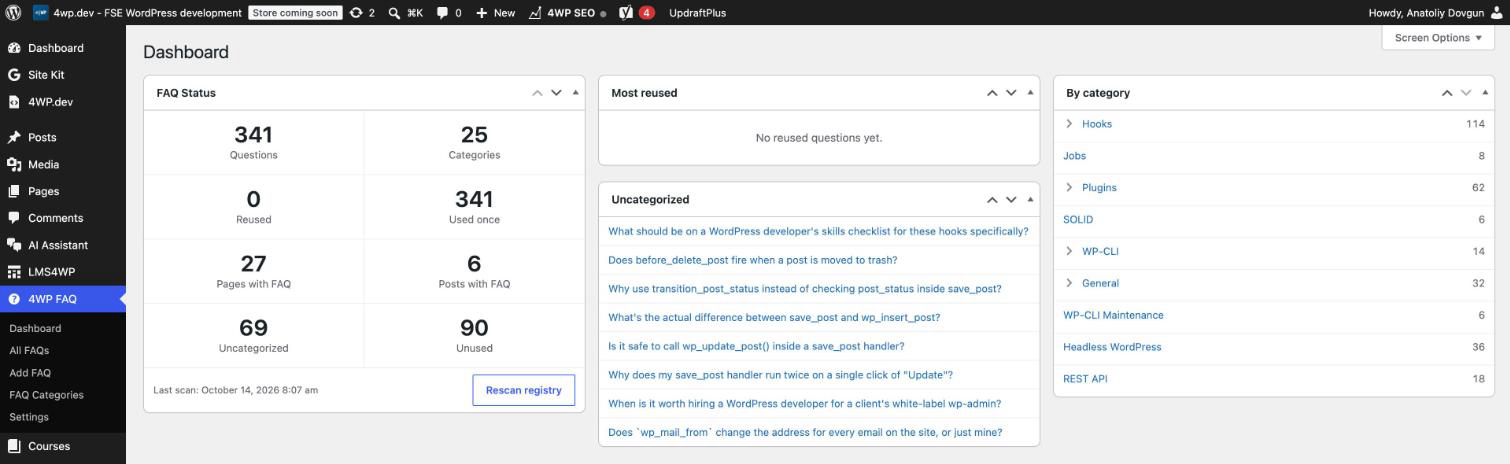
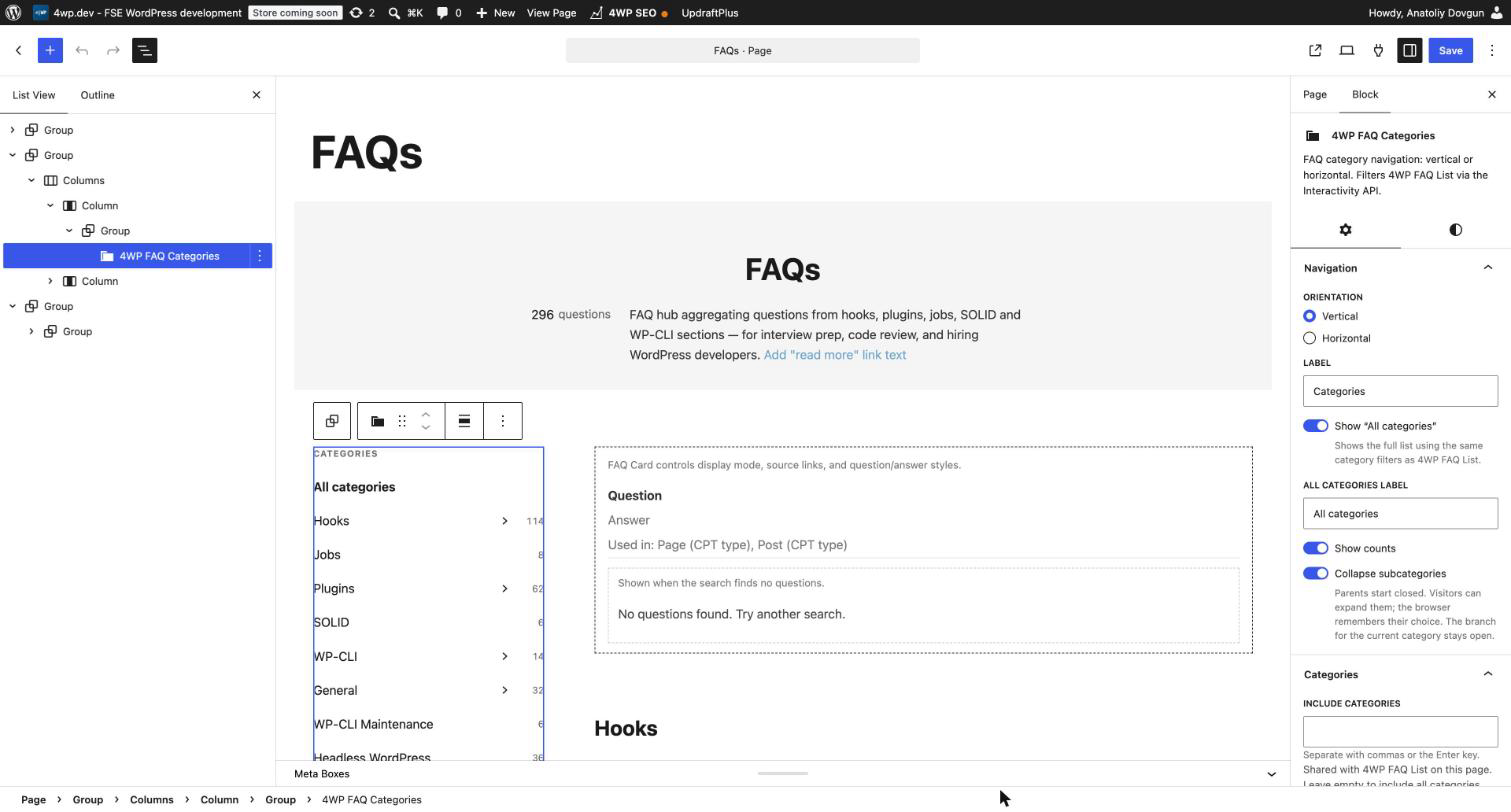
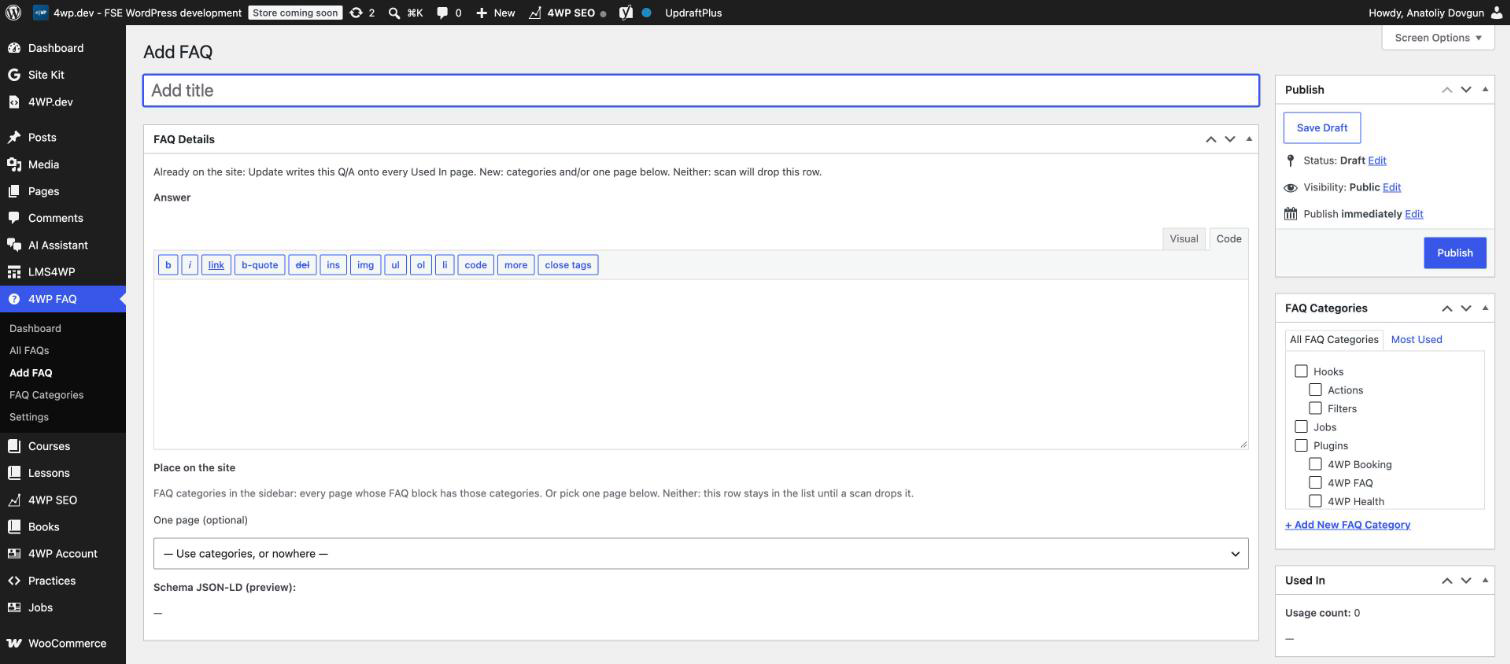
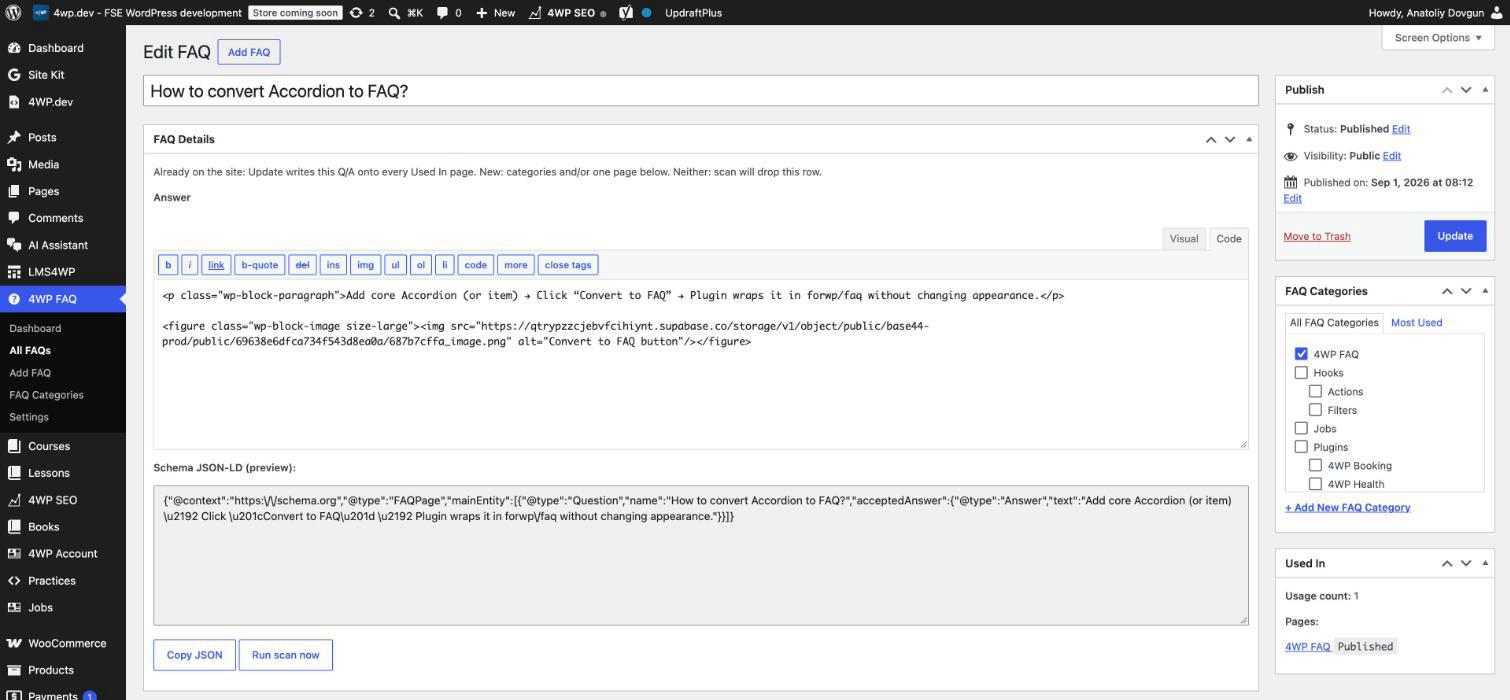
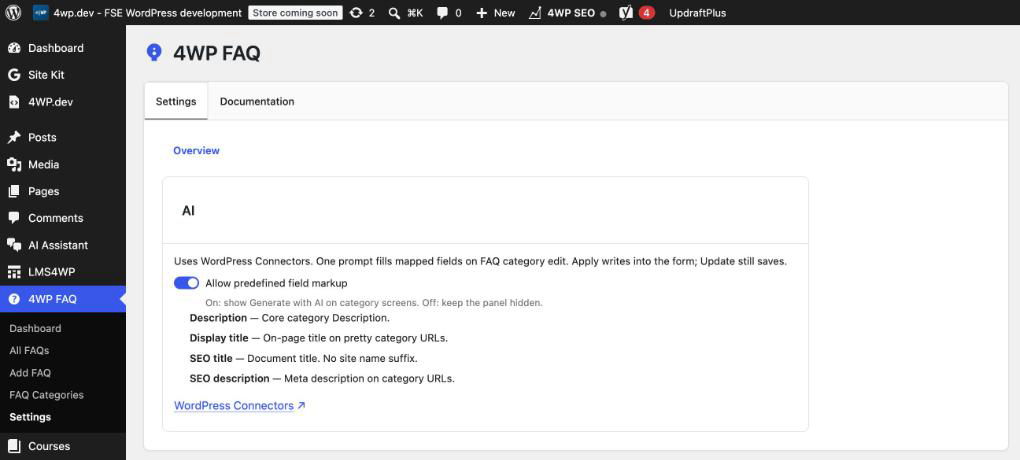
How it works
Your pages stay the source of truth. The registry only collects, reuses and displays.
How 4WP FAQ compares
Most FAQ plugins are accordions with their own storage. 4WP FAQ is a scanning system: questions live on your pages, and the plugin collects, traces, updates and displays them.
| 4WP FAQ | Easy Accordion | Ultimate FAQ Accordion | Helpie FAQ | Yoast SEO FAQ block | Tempora FAQPage Schema | |
|---|---|---|---|---|---|---|
| Active installs | <10 | 70,000+ | 30,000+ | 9,000+ | 10M+ (Yoast SEO) | 10+ |
| Approach | Wraps core Accordion | Own accordion | Own post type | Own post type | Own block | Core Accordion style |
| No duplicate content | ✅ | ❌ | ❌ | ❌ | ✅ | ✅ |
| Scan into a registry | ✅ | ❌ | ❌ | ❌ | ❌ | ❌ |
| “Used in” tracing | ✅ | ❌ | ❌ | ❌ | ❌ | ❌ |
| Edit once, update every page | ✅ | ❌ | ❌ | ❌ | ❌ | ❌ |
| Hub with categories | ✅ | Pro | ✅ | ✅ | ❌ | ❌ |
| Category URLs + SEO titles | ✅ | — | — | — | ❌ | ❌ |
| Search | ✅ | Pro | ✅ / Pro | ✅ | ❌ | ❌ |
| FAQPage schema | ✅ | ✅ | ✅ | ✅ | ✅ | ✅ |
| AI | ✅ WP AI Client | ✅ / Pro | ✅ / Pro | — | — | ❌ |
| Analytics | Roadmap | Pro | — | Pro | ❌ | ❌ |
| Paid tier | None | Pro | Pro | Pro | Premium | None |
Data from WordPress.org plugin pages, October 2026. “—” means not stated.
- The only one that scans. The registry is built from your real content, not typed in twice.
- Edit once, update everywhere. A registry update is written to every page that uses the question.
- Built on core. A wrapper over the core Accordion: your theme design stays, no lock-in.
- SEO hub for free. Categories, pretty URLs, SEO titles, canonical and Open Graph — Pro or missing elsewhere.
- AI without a vendor. The standard WordPress AI Client, no custom SDK.
Progress
- 2.1 — Hub blocks: List, Card, Categories (Interactivity API)
- 2.2 — Count block, pretty category URLs, “Used in” sources
- 2.3 — Transform to FAQ, Dashboard, drag-and-drop category order
- 2.4 — Nested categories, canonical and Open Graph for category pages
- 2.5 — AI Assistant through the WordPress AI Client
- 2.6 — Edit once, write to every page; Add FAQ; 4WP Drive import; Polylang in the Dashboard
Next: unique SEO titles per category in the Dashboard, click and expansion stats, MCP abilities.
WordPress AI MCP Connector
4WP FAQ will expose its registry to AI agents through the 4WP MCP connector, built on 4WP MCP Abilities. Agents get typed, permission-checked operations — list questions by category, add a question, update it on every page, rescan — and every change stays a draft for human review.
Summary
4WP FAQ is not just another FAQ block — it is a smart layer over the core Accordion. It does not break your design or touch the base block structure. It adds JSON-LD, a registry and FSE blocks that turn the same questions into a hub. Content is the source of truth; the plugin captures, aggregates and opens that data for reuse and analysis.
Don’t be afraid to do much more than the Client expects, but exactly what your Client’s Clients need. — Anatoliy Dovgun, Author & Creator
Download on WordPress.org · View on GitHub · Browse the live FAQ hub · More 4WP plugins