
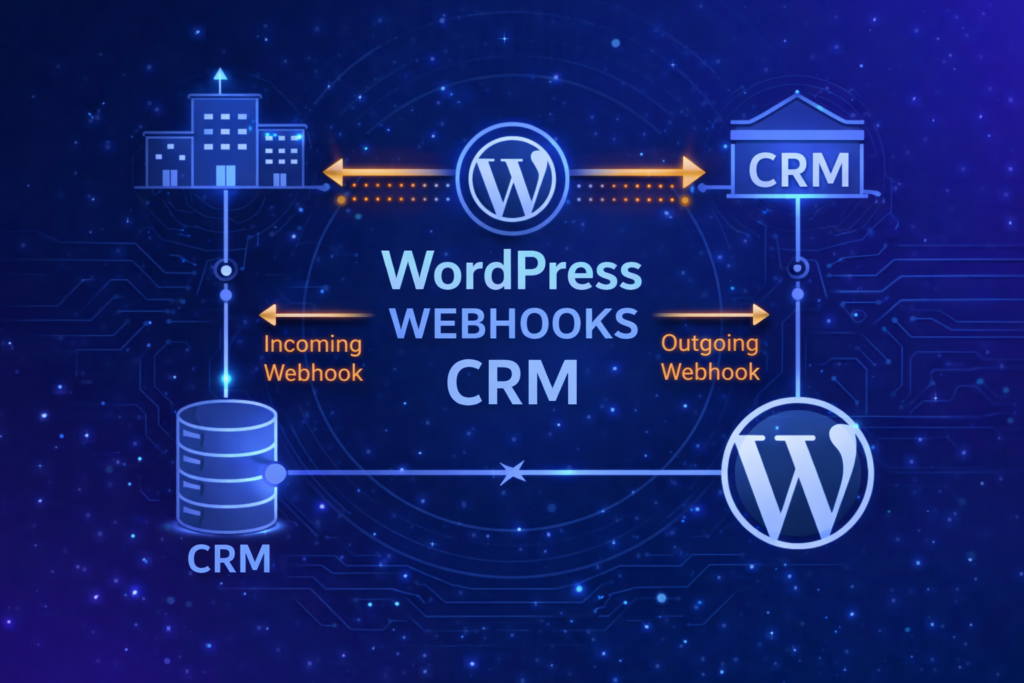
1. Overview
Webhooks enable automated communication between WordPress (WooCommerce) and an external CRM system when specific events occur.
The objective is reliable order synchronization without blocking execution, losing events, or introducing unnecessary architectural complexity.
In a typical integration:
- Outgoing webhook — WordPress → CRM
- Incoming webhook — CRM → WordPress
- Async processing (Worker) — background execution of business logic
2. Core Integration Problem
A proper integration must ensure:
- Orders created in WooCommerce are transferred to CRM.
- Status updates in CRM are reflected in WooCommerce.
- CRM remains the authoritative source for order lifecycle.
- Webhook handling does not block either system.
- Duplicate or delayed events do not corrupt state.
3. Common Risks
Technical Risks
- CRM API latency or downtime
- Duplicate webhook deliveries
- Out-of-order status updates
- Blocking synchronous logic inside webhook callbacks
- Missing retry mechanism
Architectural Risks
- Business logic executed directly inside REST webhook handler
- No idempotency control
- No version control (
updated_at) - No logging or traceability
4. Integration Model (Recommended)
Event-Driven Pattern
Webhook → Queue → Async Worker → Verify → Update
- Webhook acts as a signal.
- Worker executes business logic.
- CRM API remains the source of truth.
- Async layer provides retry capability.
5. Implementation Flow
Order Creation
WooCommerce → Outgoing Webhook → CRM
- Send order payload
- Store
crm_order_id - Log response
Status Update
CRM → Incoming Webhook → Action Scheduler → Worker → Verify API → WooCommerce Update
Webhook responsibilities:
- Validate HMAC signature
- Check idempotency (event_id)
- Enqueue async action
- Return 200 OK immediately
Worker responsibilities:
- Fetch latest state from CRM
- Compare version or
updated_at - Map CRM status to WooCommerce
- Prevent backward transitions
- Log result
6. Architectural Principles
- CRM is authoritative for order lifecycle.
- WordPress is the entry point and UI layer.
- Webhook = trigger.
- Worker = logic.
- CRM API = verified state.
FAQ
A. General Questions
What is the difference between incoming and outgoing webhooks?
- Outgoing webhook sends data from WordPress to CRM (e.g., order creation).
- Incoming webhook receives events from CRM (e.g., status updates).
Why not update order status directly inside the webhook?
Because webhook handlers should return quickly.
Executing business logic synchronously risks blocking CRM and losing events during failures.
Is a separate worker server required?
No.
WooCommerce’s built-in Action Scheduler provides sufficient async processing for most implementations.
B. Reliability & Consistency
What if the webhook is delivered multiple times?
Implement idempotency using:
event_id- or a combination of
crm_order_id + updated_at
Store processed events to prevent duplication.
What if events arrive out of order?
Use version control (updated_at or version number).
Ignore updates older than the current known state.
Should we always verify status via CRM API?
Recommended for critical transitions such as:
- paid
- cancelled
- shipped
- refunded
Verification reduces risk of inconsistent state.
What if CRM is temporarily unavailable?
- Webhook still returns 200.
- Worker retries via Action Scheduler.
- Logs capture failed attempts.
C. Security
How should webhook authenticity be validated?
Use HMAC signature verification:
- CRM signs payload with shared secret.
- WordPress recalculates signature.
- Reject request if signatures do not match.
Never leave webhook endpoints unprotected.
Should permission_callback be __return_true?
Only for development.
In production, use proper authentication validation logic.
D. Performance & Scalability
When does this architecture need to evolve?
If order volume increases significantly (thousands per hour), consider:
- Dedicated integration service
- External queue system
- Decoupled worker infrastructure
Is Action Scheduler enough?
For most WooCommerce-based systems — yes.
It provides:
- Async execution
- Retry mechanism
- Logging
- Background processing without additional infrastructure
E. Business Logic & State Management
How do we prevent status rollback?
Implement a simple state machine:
- Define allowed transitions.
- Reject backward transitions (e.g., shipped → processing).
Should CRM or WordPress be authoritative?
In most B2B integrations:
CRM is the authoritative system for order lifecycle.
WordPress reflects that state.
F. Observability
What should be logged?
- Incoming webhook payload
- Signature validation result
- Worker execution result
- CRM verification response
- Status transitions
Logging enables traceability and debugging.
Final Notes
A balanced webhook architecture in WordPress should:
- Separate trigger from logic
- Use async processing
- Validate authenticity
- Ensure idempotency
- Protect state consistency
This approach provides reliability and clarity without introducing unnecessary architectural complexity.
If needed, this structure can be extended with:
- Event versioning strategies
- Advanced state machines
- Distributed integration services
But for most bidirectional WordPress–CRM integrations, the pattern above is structurally sound and production-ready.