
=== Forwp Mega Menu ===
Contributors: 4wp
Tags: block, navigation, float menu, fse, sidebar menu
Requires at least: 6.2
Tested up to: 6.6
Stable tag: 1.0.0
License: GPLv2 or later
License URI: https://www.gnu.org/licenses/gpl-2.0.html

== Description ==

Float Menu is a simple and powerful WordPress plugin that adds floating menu functionality to the block editor. The plugin allows you to create menus that open as side panels (similar to WooCommerce cart) when clicking on menu items or icons.

== Documentation ==

Full documentation and usage guide: https://4wp.dev/plugin/4wp-mega-menu

== Features ==

* **Float Menu Container Block** – Create float menu content anywhere on your site
* **Technical Name (Anchor)** – Each container has a unique technical name for linking to menu items
* **Navigation Integration** – Easily connect float menu to any menu item through block settings
* **Icon Support** – Works with 4wp-icons plugin, allowing float menus to open on icon clicks
* **WooCommerce-like UI** – Beautiful slide-in animation from the right, overlay with blur effect
* **Responsive Design** – Automatically adapts to mobile devices (75% width on mobile)
* **Editor Preview** – Visual preview of float menu directly in WordPress editor

== How to Use ==

1. Add “Float Menu Container” block to any page or template
2. Enter a technical name for the container (e.g., “social-menu”)
3. Add content inside the container
4. In menu item (Navigation Link) or icon (4WP Icon) settings, enable “Enable Float Menu”
5. Select the container from the available list
6. Save – done! Clicking on the menu item or icon will open the float menu

== Future Improvements ==

* Extended positioning settings (right, left, bottom) for individual menus
* Float menu header customization
* Close button customization (reusing Popup Maker logic)
* Additional animation and styling options

Ready to get started?

Check out the plugin on GitHub and start using it today.

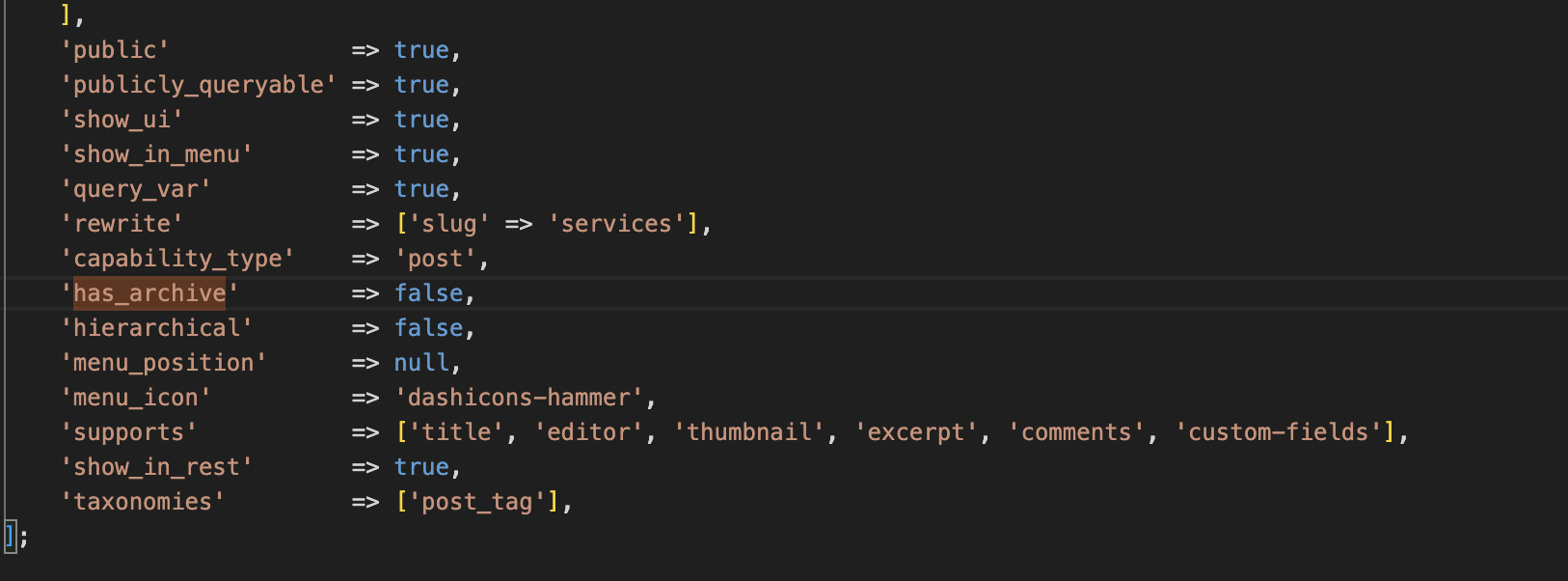
‘has_archive’ => false — and You’re Free to Play as You Want!

What does this parameter in a CPT mean? $this->args = [ … ‘has_archive’ => false, … ] Have you ever thought about this, or faced similar challenges? Many…

What does this parameter in a CPT mean?


$this->args = [ ... 'has_archive' => false, ... ]

Have you ever thought about this, or faced similar challenges?

Many WordPress developers still rely on Archive-CPT Templates, but if you are working with FSE and clean HTML templates in Gutenberg, as well as implementing multilanguage support using different aliases (specific slugs) for different languages, it will be much easier to use separate Pages with custom templates for archive lists.

Let’s try it…

Auto
    ],
            'public'             => true,
            'publicly_queryable' => true,
            'show_ui'            => true,
            'show_in_menu'       => true,
            'query_var'          => true,
            'rewrite'            => ['slug' => 'services'],
            'capability_type'    => 'post',
            <strong>'has_archive'        => false,</strong>
            'hierarchical'       => false,
            'menu_position'      => null,
            'menu_icon'          => 'dashicons-hammer',
            'supports'           => ['title', 'editor', 'thumbnail', 'excerpt', 'comments', 'custom-fields'],
            'show_in_rest'       => true,
            'taxonomies'         => ['post_tag'],
        ];

With 'has_archive' => false, you can create a Page with the same slug — "services" — instead of using the default archive-services.html template.

You can experiment and adjust it as you like. Try it out — and enjoy your development!