
WP-CLI Database Commands
Database commands give you direct control over the WordPress database from the terminal — exporting, importing, optimizing, running queries, and handling search-replace during migrations.
This is the group you reach for before any major change and during site migrations.
Commands
wp db export
Exports the WordPress database to a SQL file.
wp db export
wp db export backup.sql
wp db export backup-$(date +%Y%m%d).sql
wp db export --tables=wp_posts,wp_postmeta
wp db export - | gzip > backup.sql.gz
Without a filename, WP-CLI generates one automatically. Use --tables to export specific tables only. Pipe to gzip for compressed backups. Run this before every major operation — updates, migrations, plugin changes.
wp db import
Imports a SQL file into the WordPress database.
wp db import backup.sql
wp db import backup.sql.gz
Overwrites existing data. Always export current state first. Supports gzipped files directly.
wp db create
Creates the WordPress database.
wp db createReads database credentials from wp-config.php. Use after wp config create when setting up a new installation. Database user must have CREATE privileges.
wp db drop
Drops the entire WordPress database.
wp db drop
wp db drop --yes
--yes skips the confirmation prompt — use with caution in scripts. Permanently deletes all data. Commonly used when resetting a local development environment.
wp db reset
Drops all tables and re-creates an empty database.
wp db reset
wp db reset --yes
Useful when you need a clean slate without dropping and recreating the database itself. Often followed by wp core install to set up fresh.
wp db size
Shows the size of the database and individual tables.
wp db size
wp db size --tables
wp db size --format=json
--tables breaks down size per table. Large wp_postmeta or wp_options tables are a common performance indicator — worth investigating if they’re unexpectedly large.
wp db optimize
Optimizes all database tables.
wp db optimizeDefragments tables and reclaims unused space. Run periodically on sites with frequent post or order creation and deletion — WooCommerce sites especially benefit from this.
wp db repair
Repairs corrupted database tables.
wp db repairUse when MySQL reports table corruption errors. Runs REPAIR TABLE on all WordPress tables. First step when a site goes down with database errors.
wp db query
Runs a raw SQL query against the WordPress database.
wp db query "SELECT COUNT(*) FROM wp_posts WHERE post_status = 'publish'"
wp db query "DELETE FROM wp_options WHERE option_name LIKE '_transient_%'"
wp db query < custom-script.sql
Direct SQL access from the terminal. Use for one-off queries, bulk operations, or running migration scripts. Be careful on production — no undo.
wp db search
Searches the database for a string across all tables.
wp db search "old-domain.com"
wp db search "old-domain.com" --tables=wp_posts,wp_options
wp db search "old-domain.com" --stats
Useful before running search-replace to see what will be affected and how many rows. --stats shows match count per table.
wp search-replace
Replaces a string across the entire database — including serialized data.
wp search-replace 'http://old-domain.com' 'https://new-domain.com'
wp search-replace 'http://old-domain.com' 'https://new-domain.com' --dry-run
wp search-replace 'http://old-domain.com' 'https://new-domain.com' --tables=wp_posts,wp_options
wp search-replace 'http://old-domain.com' 'https://new-domain.com' --precise
The most important database command for migrations. Correctly handles PHP serialized data — which breaks if you run raw SQL replace. Always run --dry-run first to preview changes. --precise is slower but safer on complex serialized structures.
wp db tables
Lists all tables in the WordPress database.
wp db tables
wp db tables --format=csv
wp db tables --scope=global
Useful for auditing custom tables added by plugins or identifying leftover tables from deleted plugins.
wp db check
Checks the integrity of all database tables.
wp db checkRuns CHECK TABLE on all WordPress tables. Use proactively during maintenance or when diagnosing intermittent database errors.
Common Workflows
Pre-update backup
wp db export backup-$(date +%Y%m%d-%H%M).sql
wp core update
wp core update-db
Always export with a timestamp before updating. If something breaks, import the backup and you’re back in minutes.
Site migration between environments
# On source environment
wp db export staging.sql
wp search-replace 'https://staging.mysite.com' 'https://mysite.com' staging.sql

# On target environment
wp db import staging.sql
wp cache flush
Export, replace URLs, import on target, flush cache. The correct order for moving between staging and production.
Reset local development environment
wp db reset --yes
wp core install \
  --url=http://localhost \
  --title="Dev Site" \
  --admin_user=admin \
  --admin_password=admin \
  --admin_email=dev@local.test
Clean database reset followed by fresh WordPress install. Faster than reinstalling from scratch.
Clean transient cache from database
wp db query "DELETE FROM wp_options WHERE option_name LIKE '_transient_%'"
wp db optimize
Transients accumulate over time and bloat wp_options. Delete stale ones, then optimize. Alternative: wp transient delete --all.
Related Command Groups
- Core — always export before core updates
- Cache — flush after imports and migrations
- Plugins — export before bulk plugin updates
- Profiling — turn “the site is slow” into a concrete stage and hook, instead of guessing
Practice Cases
Real workflows built with WP-CLI commands — not isolated examples, but full sequences that solve actual problems.
-
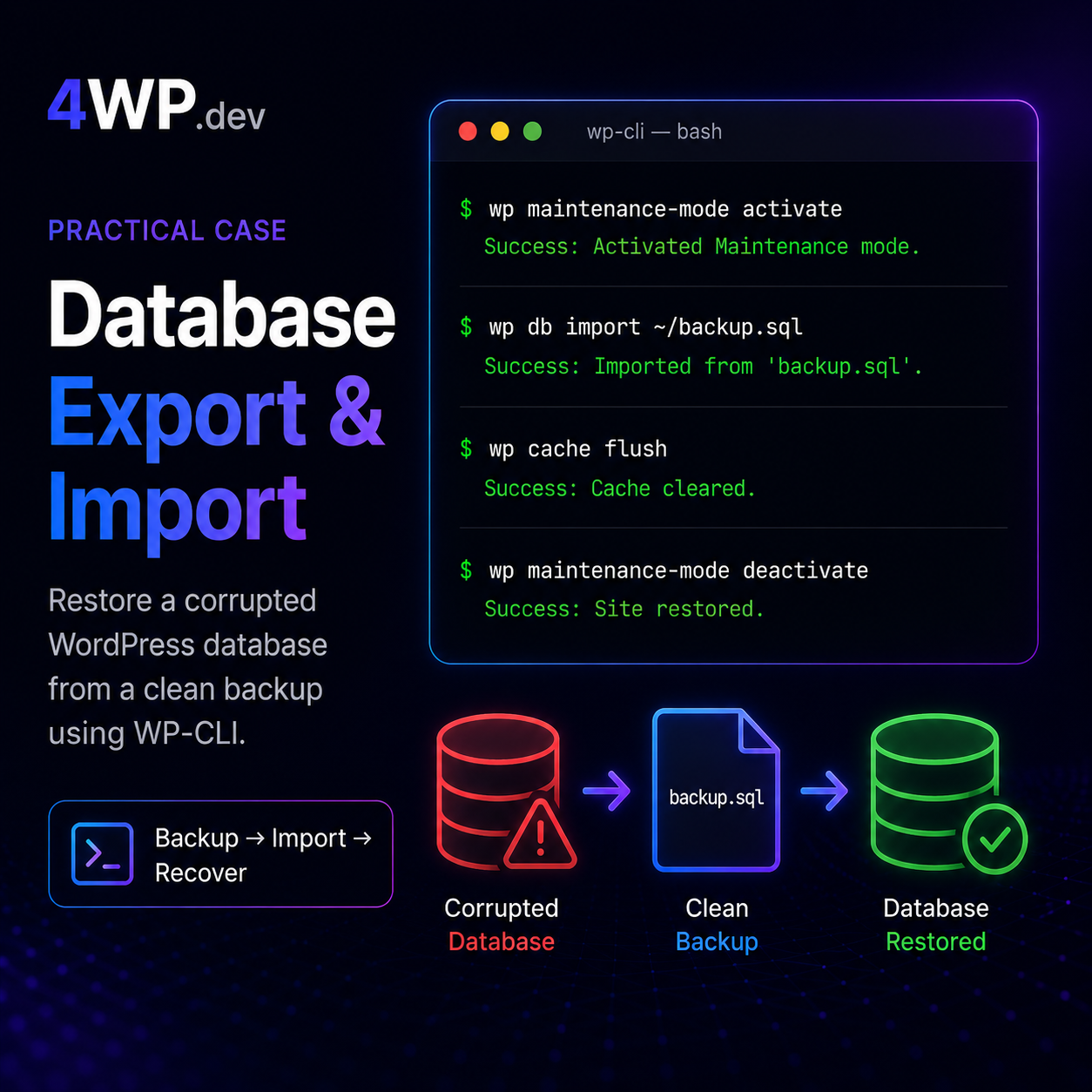
Database Export and Import
A clean database backup exists at ~/backup.sql. The current database has been partially corrupted by a failed plugin update. Restore from backup and bring the site back online.
-
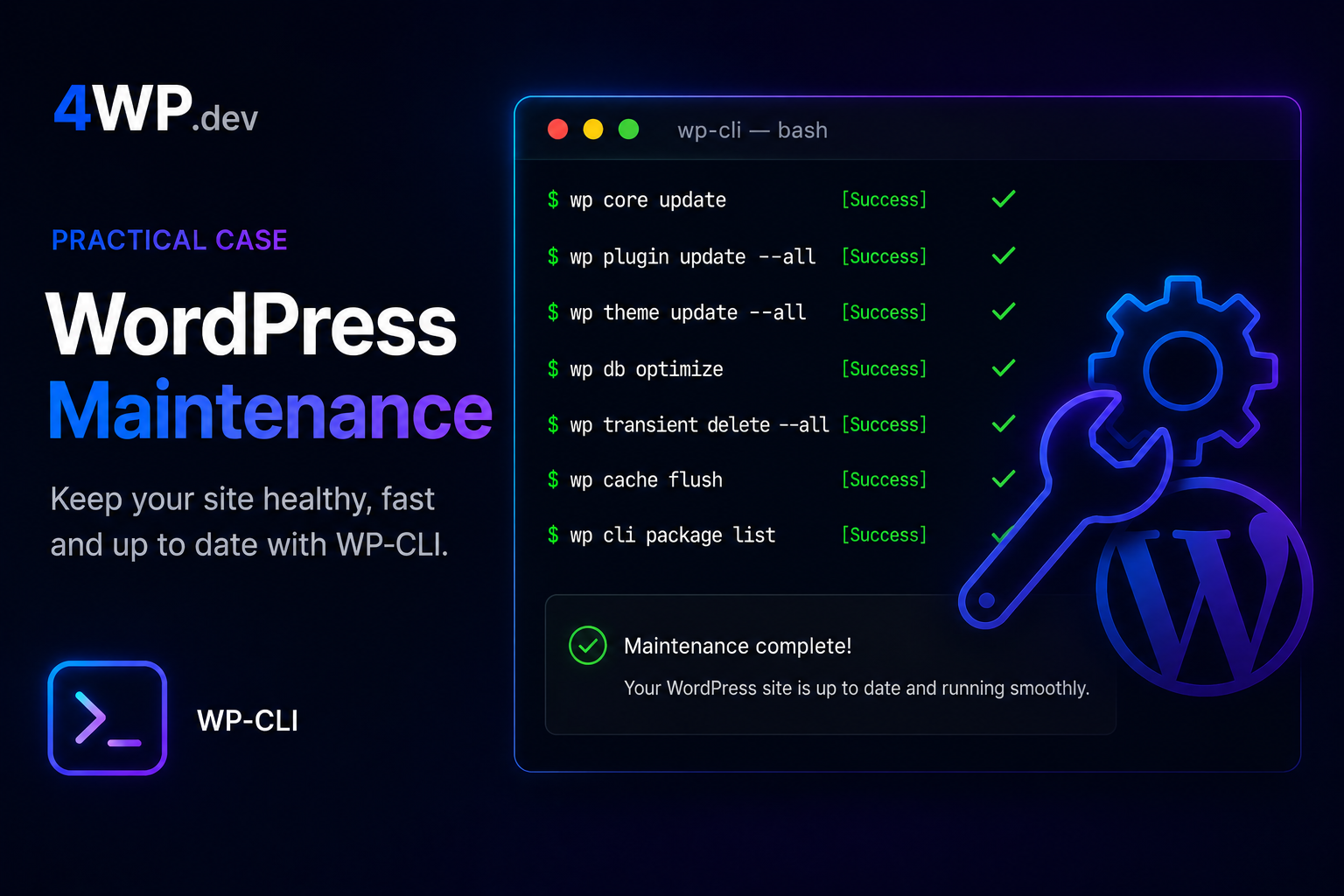
WordPress Maintenance Workflow
Run a safe maintenance sequence on a live WordPress site. Order matters — skipping steps can break production.