
WP-CLI Core Commands
Core commands manage the WordPress installation itself — downloading, installing, updating, and verifying the files that power every WordPress site.
These are the commands you run when setting up a new environment, automating deployments, or maintaining production servers.
Commands
wp core download
Downloads WordPress core files into the current directory.
wp core download
wp core download --version=6.4.3
wp core download --locale=uk
wp core download --path=/var/www/mysite
Use --version to pin a specific release. Use --locale to download a localized version. Useful when provisioning servers or setting up local environments from scratch.
wp core install
Installs WordPress after the database is configured.
wp core install \
  --url=https://mysite.com \
  --title="My Site" \
  --admin_user=admin \
  --admin_password=secret \
  --admin_email=admin@mysite.com
Requires an existing database and wp-config.php. Run wp config create and wp db create first. A complete WordPress installation from terminal takes under 10 seconds.
wp core multisite-install
Installs a WordPress Multisite network.
wp core multisite-install \
  --url=https://mynetwork.com \
  --title="My Network" \
  --admin_user=admin \
  --admin_email=admin@mynetwork.com
Use this when building multisite networks, SaaS platforms on WordPress, or managing multiple client sites under one installation.
wp core version
Displays the currently installed WordPress version.
wp core version
wp core version --extra
--extra also shows the PHP and MySQL versions. Useful in auditing scripts or when debugging compatibility issues.
wp core check-update
Checks whether a newer WordPress version is available.
wp core check-updateReturns version number, update type (major/minor), and download URL. Commonly used in maintenance scripts before running wp core update.
wp core update
Updates WordPress core to the latest version.
wp core update
wp core update --version=6.5.0
wp core update --minor
--minor restricts updates to minor releases only — safer for production environments. Always run wp db export before updating on production.
wp core update-db
Updates the WordPress database schema after a core update.
wp core update-db
wp core update-db --network
Some WordPress releases include database changes. This command applies them. Use --network on multisite to update all sites in the network at once.
wp core is-installed
Checks whether WordPress is installed in the current directory.
wp core is-installed
wp core is-installed --network
Returns exit code 0 if installed, 1 if not. Useful in shell scripts to conditionally run installation steps.
if ! wp core is-installed; then
  wp core install ...
fi
wp core verify-checksums
Compares core files against official WordPress checksums.
wp core verify-checksumsDetects modified, corrupted, or missing core files. Used during security audits to confirm the installation hasn’t been tampered with. If any file fails the check — investigate before proceeding.
wp core language install
Manages WordPress language packs.
wp core language install uk
wp core language activate uk
wp core language update
wp core language list --status=installed
Useful when deploying multilingual sites or managing localized WordPress environments.
Common Workflows
Deploy a new WordPress site
wp core download
wp config create --dbname=mydb --dbuser=root --dbpass=secret
wp db create
wp core install \
  --url=https://mysite.com \
  --title="My Site" \
  --admin_user=admin \
  --admin_password=secret \
  --admin_email=admin@mysite.com
Full installation from terminal in under a minute.
Maintenance update sequence
wp db export backup-$(date +%Y%m%d).sql
wp core check-update
wp core update
wp core update-db
wp cache flush
Export database first, then update, then flush cache. Safe pattern for production.
Security audit
wp core version
wp core verify-checksums
wp core check-update
Quick three-command check to confirm version, file integrity, and update status.
Related Command Groups
- Plugins — manage plugins after core is set up
- Database — export, import, and optimize the database
- Cache — flush cache after core updates
- Profiling — turn “the site is slow” into a concrete stage and hook, instead of guessing
Practice Cases
Real workflows built with WP-CLI commands — not isolated examples, but full sequences that solve actual problems.
-
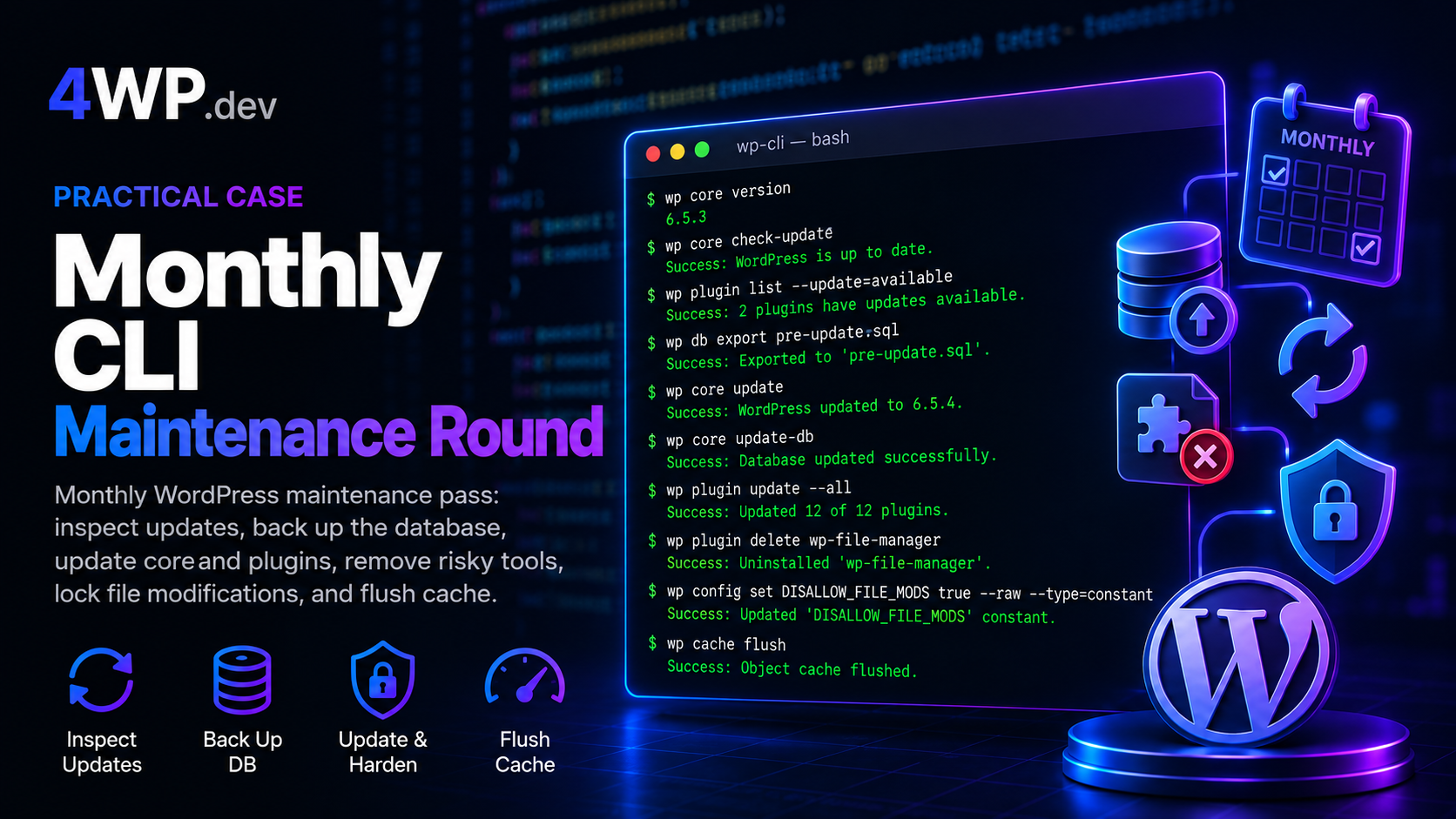
Monthly WP-CLI Maintenance Round
Entry-level monthly pass on a business WordPress site: inspect updates, export the database, update core and plugins, remove a risky File Manager plugin, lock wp-admin installs, flush cache.
-
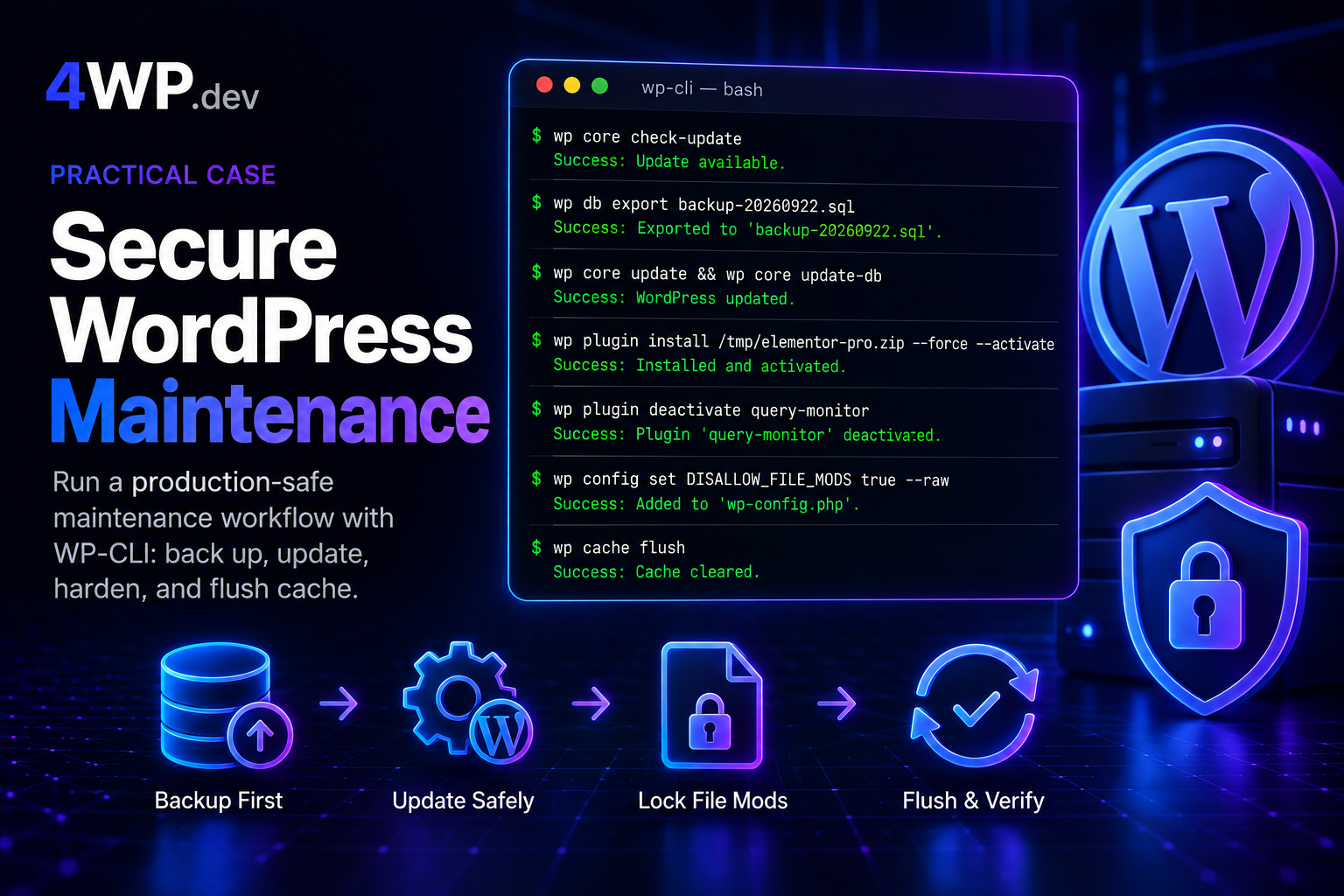
Secure WordPress Maintenance
Run a production-safe maintenance sequence on a live business WordPress site: back up first, update core and plugins, remove risky tools, install a premium plugin from a local package, and lock down file edits from wp-admin.
DISALLOW_FILE_MODS, elementor pro wp-cli, secure wordpress maintenance, wordpress business site maintenance, wordpress cli security, wordpress hardening wp-cli, wordpress premium plugin cli install, wordpress production maintenance cli, wp cache flush, wp config set DISALLOW_FILE_MODS, wp core check-update, wp core update, wp core update-db, wp core version, wp db export, wp plugin deactivate, wp plugin install force activate, wp plugin list, wp plugin update all, wp-cli intermediate practice, wp-cli maintenance, wp-cli practice, wp-cli practice terminal -
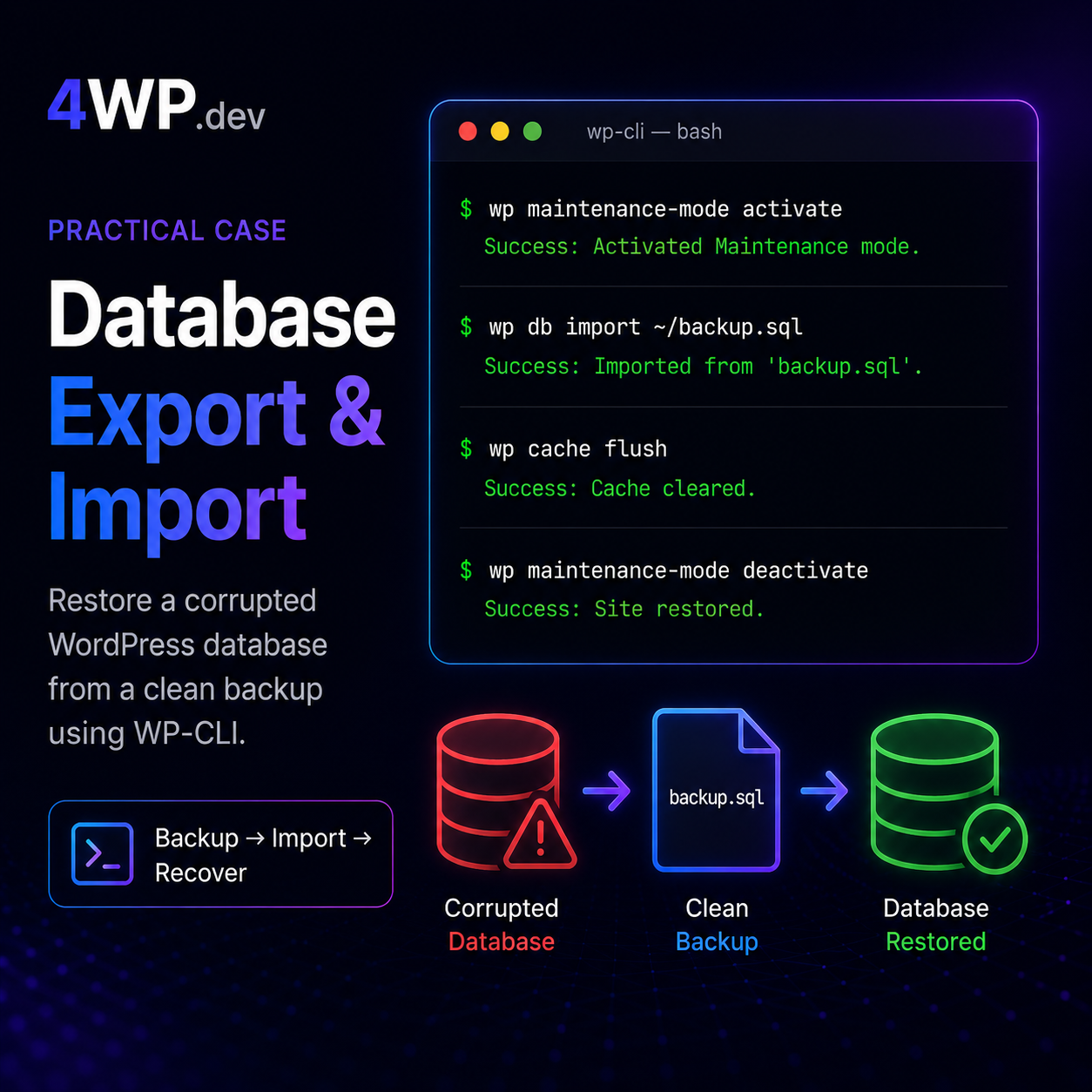
Database Export and Import
A clean database backup exists at ~/backup.sql. The current database has been partially corrupted by a failed plugin update. Restore from backup and bring the site back online.
-
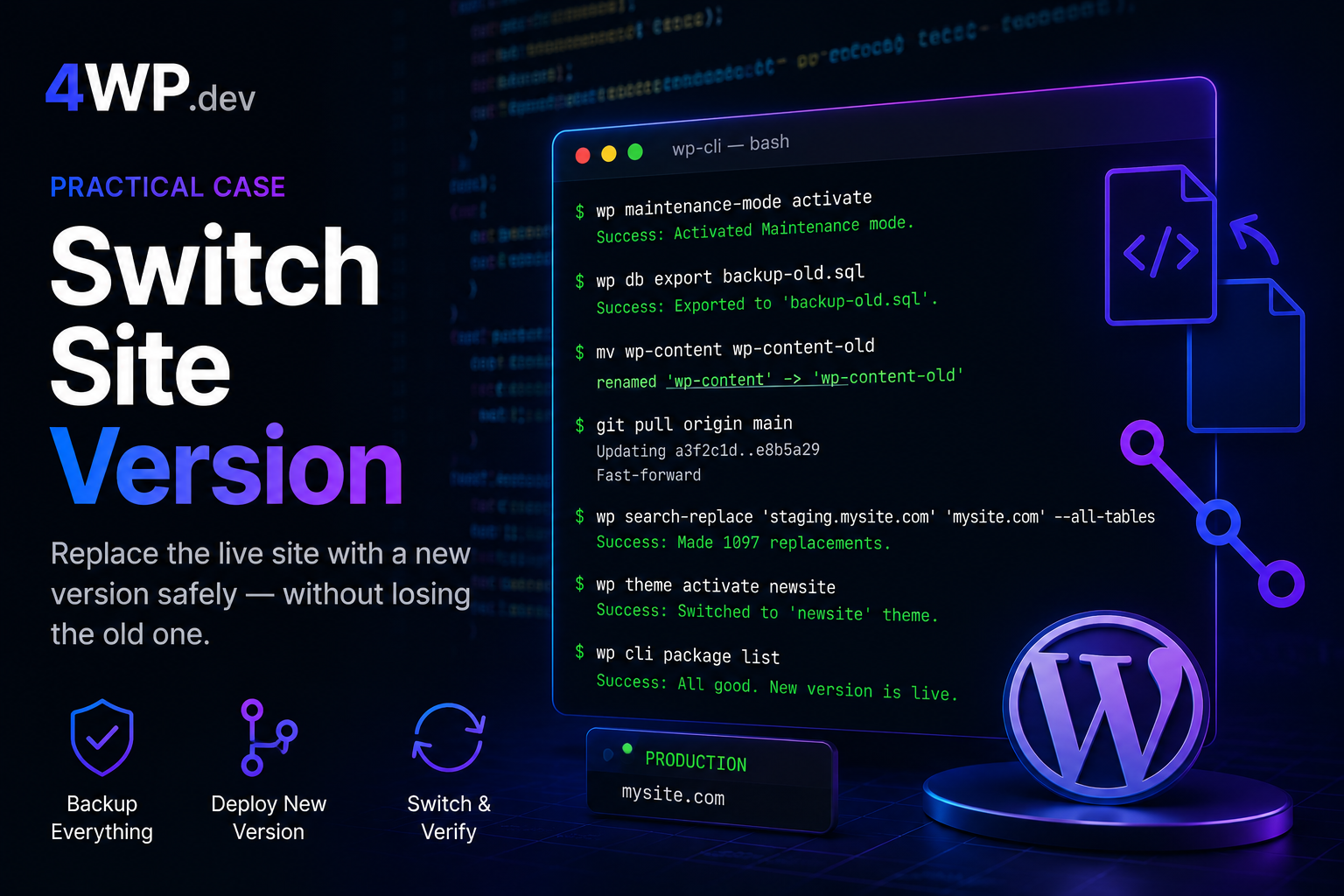
WP-Cli how Switch Site Version – practice case
Old site: premium theme + WPBakery + legacy plugins. New version is ready — on a Git branch or uploaded as an archive. Replace the live site without losing the old one.
-
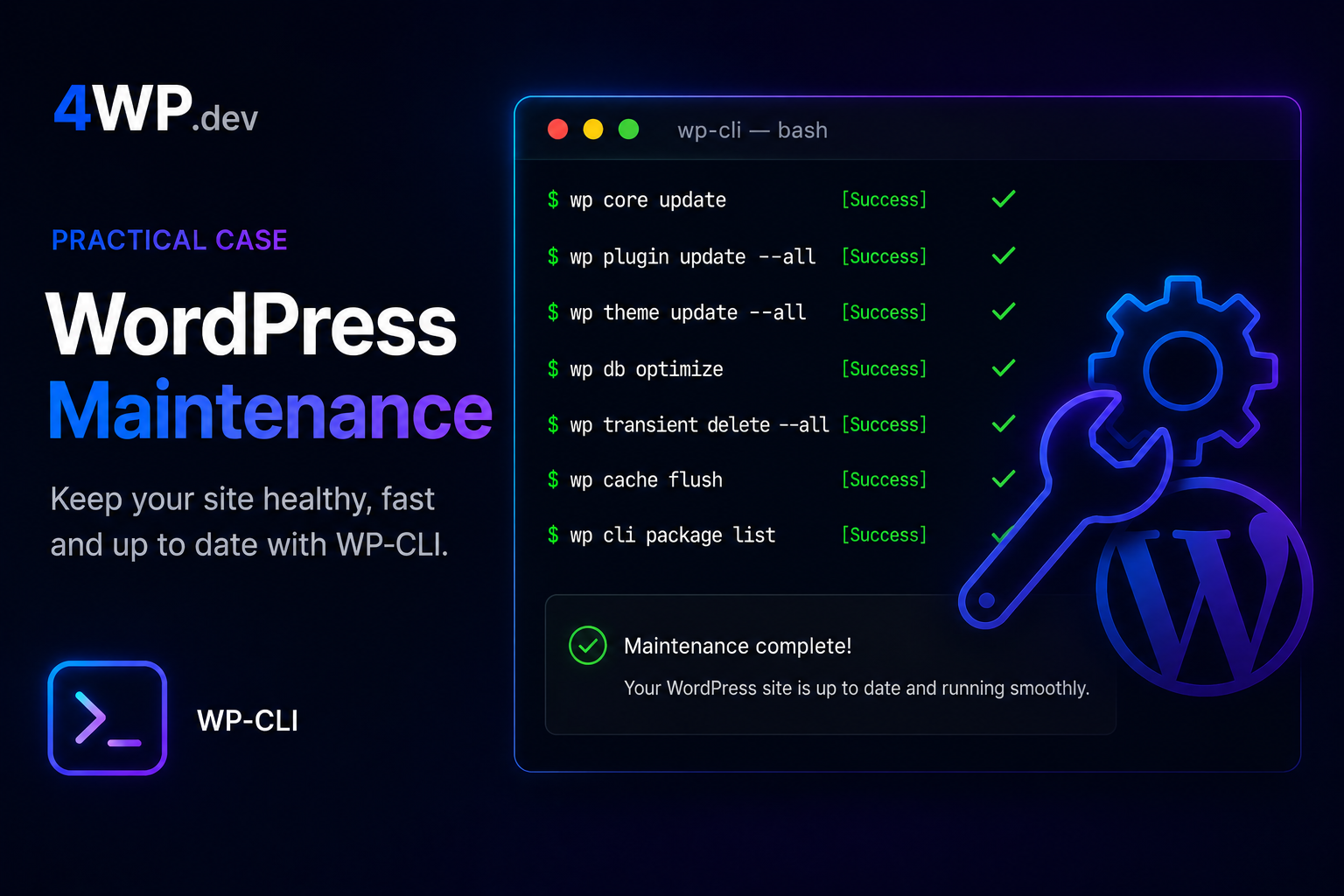
WordPress Maintenance Workflow
Run a safe maintenance sequence on a live WordPress site. Order matters — skipping steps can break production.
-
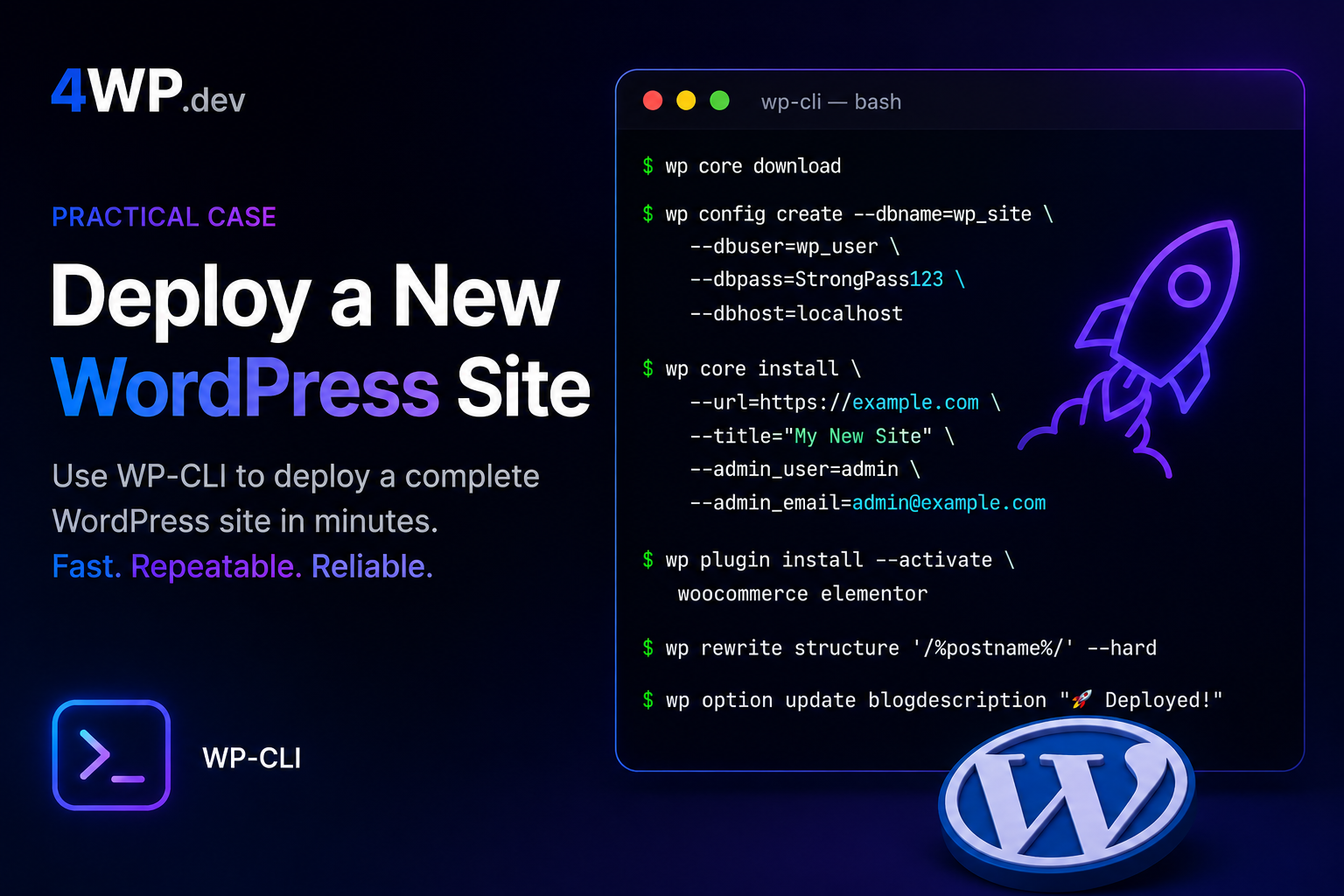
Deploy a New WordPress Site
Complete a full WordPress installation from scratch using WP-CLI. Follow the steps in the correct order — each command builds on the previous one.