Goal
Install a fresh WordPress site from the command line using WP-CLI — without skipping prerequisites or running commands out of order.
Steps
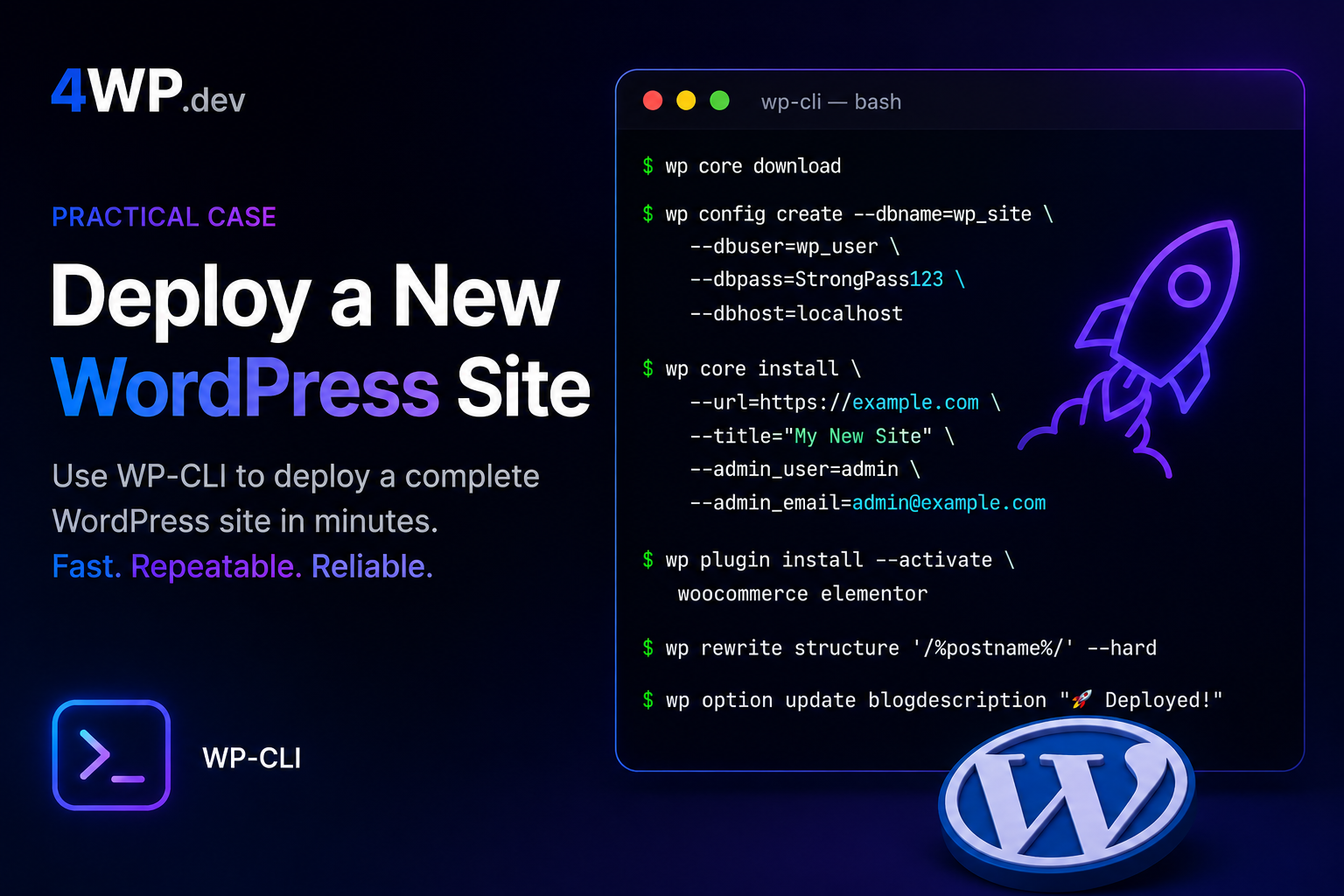
1. Download WordPress core
Start in an empty project directory. Download the current stable release before creating any configuration files.
WP-CLI fetches WordPress core into the current directory. Add –locale=uk when the site language is known upfront.
wp core download2. Create wp-config.php
WordPress needs database credentials in wp-config.php before it can connect to MySQL.
This generates salts and table prefix automatically. Match credentials to your local or staging MySQL setup.
wp config create --dbname=mydb --dbuser=root --dbpass=secret --dbhost=localhost3. Create the database
The database name in wp-config.php must exist before installation. WP-CLI can create it if your MySQL user has privileges.
Reads connection details from wp-config.php. Run this after config create, never before.
wp db create4. Install WordPress
With files and database ready, run the installer and set the site URL, title, and admin account.
After success, the site is ready. Use –skip-email in scripts to suppress the install notification email.
wp core install --url=https://mysite.test --title="My Site" --admin_user=admin --admin_password=secret --admin_email=admin@example.comCommon mistakes
- Running
wp core installbeforewp config create— WordPress has no database credentials. - Skipping
wp db createwhen the database does not exist yet — install fails with connection errors. - Downloading WordPress into a non-empty directory — can mix old files with a fresh install.
- Using raw SQL or manual wp-config edits when WP-CLI can generate salts and prefix safely.
Real cases
What is the correct order to deploy WordPress with WP-CLI?
Download core (wp core download), create configuration (wp config create), create the database (wp db create), then install (wp core install). Each step depends on the previous one.
Can I run wp core install without wp config create?
No. WordPress needs database credentials in wp-config.php before installation. Without config, WP-CLI cannot connect to MySQL and the install will fail.
Do I always need wp db create?
Only when the database named in wp-config.php does not exist yet. On shared hosting the database is often pre-created — then skip this step. On local dev, create it with WP-CLI.
What directory should I run wp core download in?
Use an empty directory for a fresh site. WP-CLI downloads core files into the current working directory. Mixing with existing files can leave stale plugins or themes from an old project.
Can I install WordPress in a subdirectory with WP-CLI?
Yes. Pass the full URL including the path to wp core install –url=. Download and config steps stay the same; only the site URL changes.
Why use WP-CLI instead of the web installer?
WP-CLI is scriptable and repeatable — the same commands work on local, staging, and CI pipelines. No browser clicks, no upload limits, and easy to document as code.
What happens if I skip wp db create on a new local site?
wp core install fails because MySQL cannot connect to a database that does not exist. The error looks like a credentials problem but the fix is creating the database first.
Should I pin a WordPress version when downloading?
For most installs, use the latest stable release without –version. Pin a version only when you intentionally need parity with production or a legacy environment.