Goal
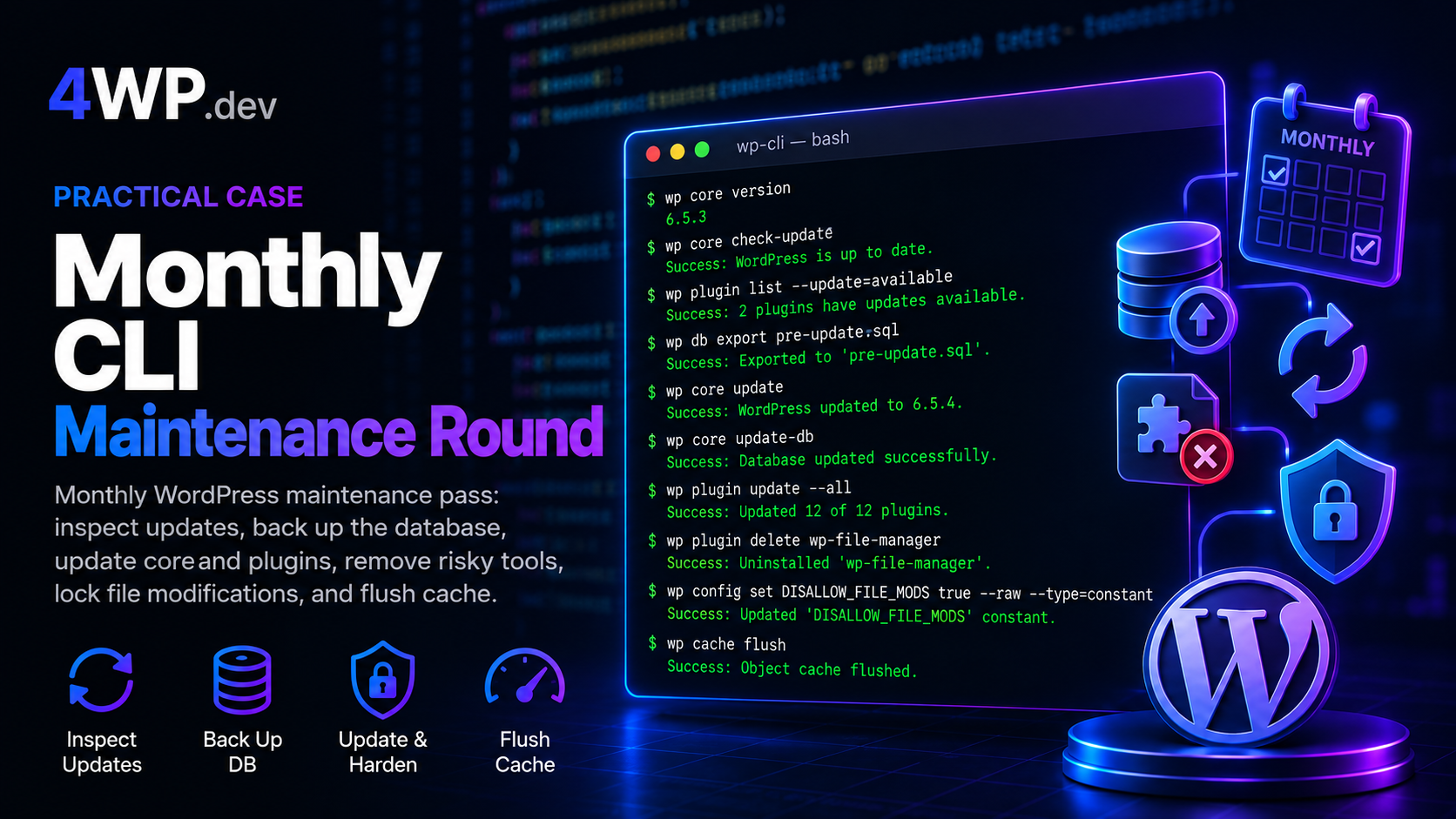
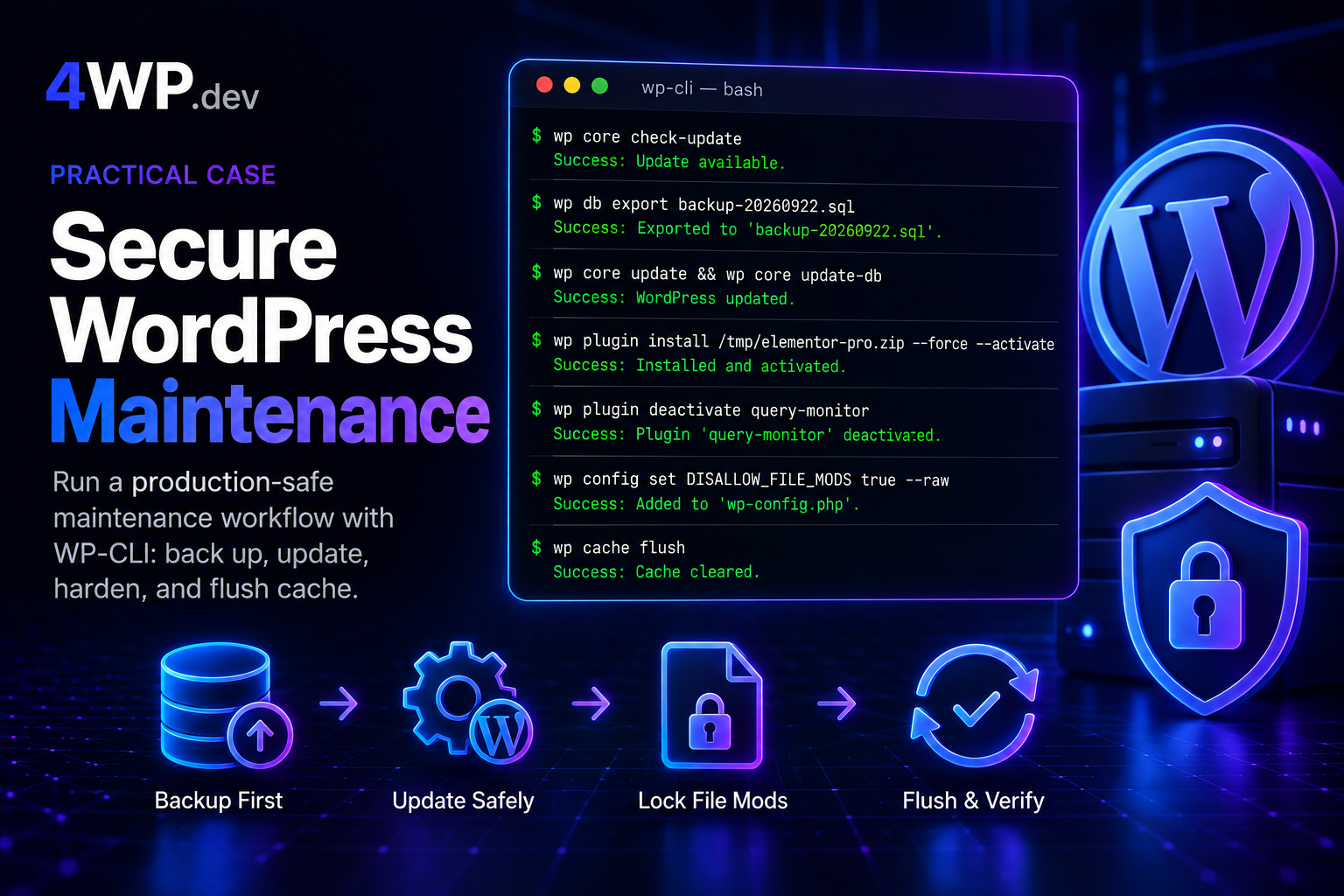
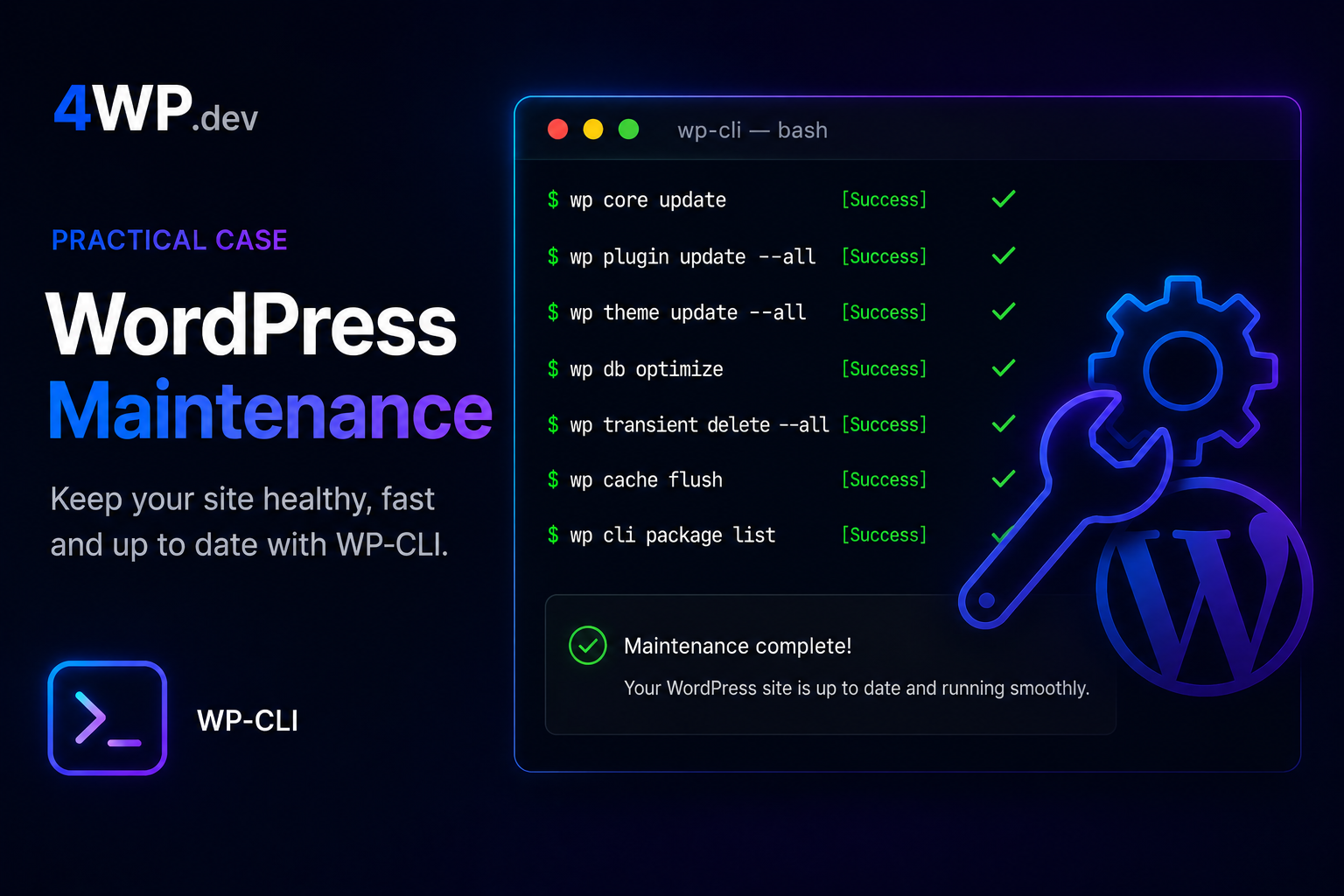
Entry-level monthly pass on a business WordPress site: inspect updates, export the database, update core and plugins, remove a risky File Manager plugin, lock wp-admin installs, flush cache.
Monthly WP-CLI Maintenance Round
Steps
1. Show which WordPress core version is installed
Show which WordPress core version is installed
BASH
wp core version2. Check if WordPress core has an available update
Check if WordPress core has an available update
BASH
wp core check-update3. List only plugins that have an update available
List only plugins that have an update available
BASH
wp plugin list --update=available4. Export the database to a backup file before updates
Export the database to a backup file before updates
BASH
wp db export pre-update.sql5. Update WordPress core (minor path is fine here)
Update WordPress core (minor path is fine here)
BASH
wp core update6. Run the database schema update for the new core
Run the database schema update for the new core
BASH
wp core update-db7. Update all plugins that have available updates
Update all plugins that have available updates
BASH
wp plugin update --all8. Confirm no plugin updates are left
Confirm no plugin updates are left
BASH
wp plugin list --update=available9. Delete the wp-file-manager plugin from the site
Delete the wp-file-manager plugin from the site
BASH
wp plugin delete wp-file-manager10. Set DISALLOW_FILE_MODS so wp-admin cannot install or update plugins/themes
Set DISALLOW_FILE_MODS so wp-admin cannot install or update plugins/themes
BASH
wp config set DISALLOW_FILE_MODS true --raw --type=constant11. Flush the WordPress object cache
Flush the WordPress object cache
BASH
wp cache flush