
wp-cli
-
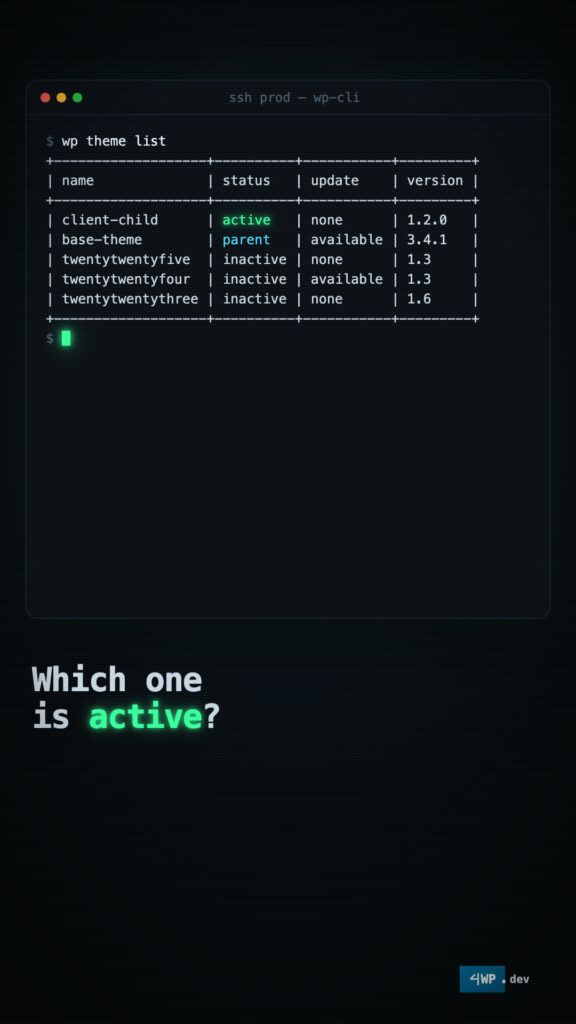
WP-CLI Themes: active, parent, fallback
A theme is often two themes. Know which one is live. wp theme list shows it: the child is “active”, the theme it builds on is “parent”. Theme…
-
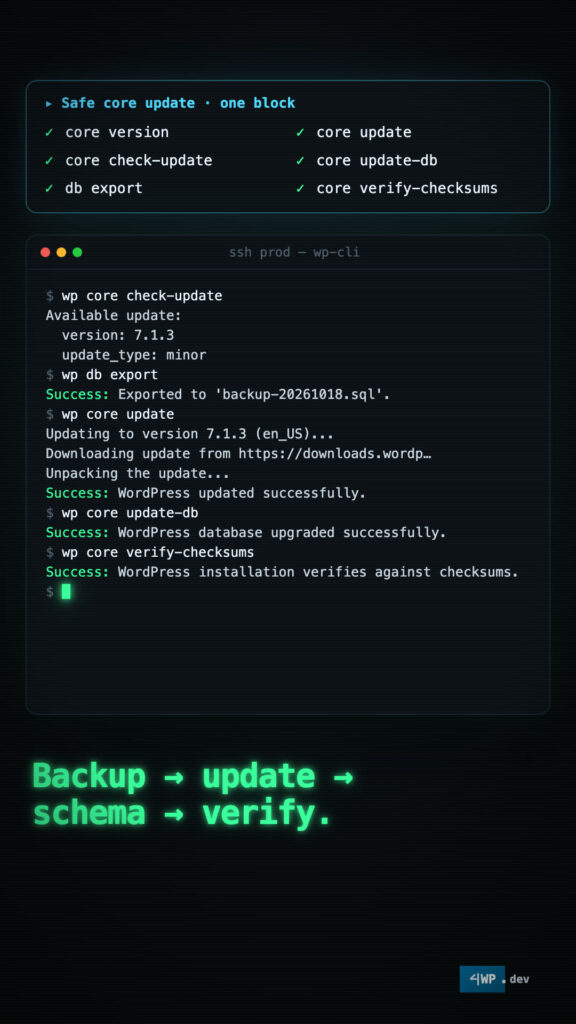
WP-CLI Core: the power is in the sequence
wp core has only ten subcommands. Alone, each one does little. The power is in the sequence. Next release? Test it on staging first: wp core download –version=nightly…
-
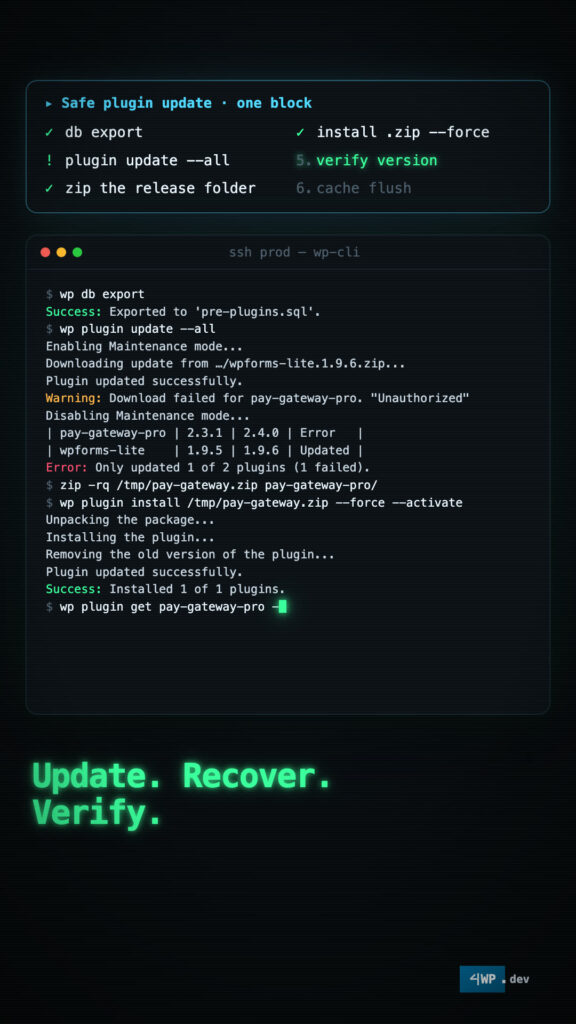
WP-CLI Plugins: sequences save sites
Plugins break sites. Sequences save them. See everything first: wp plugin list, then only what needs updates. A safe plugin update is one block: Update. Recover. Verify. wp-admin…
-
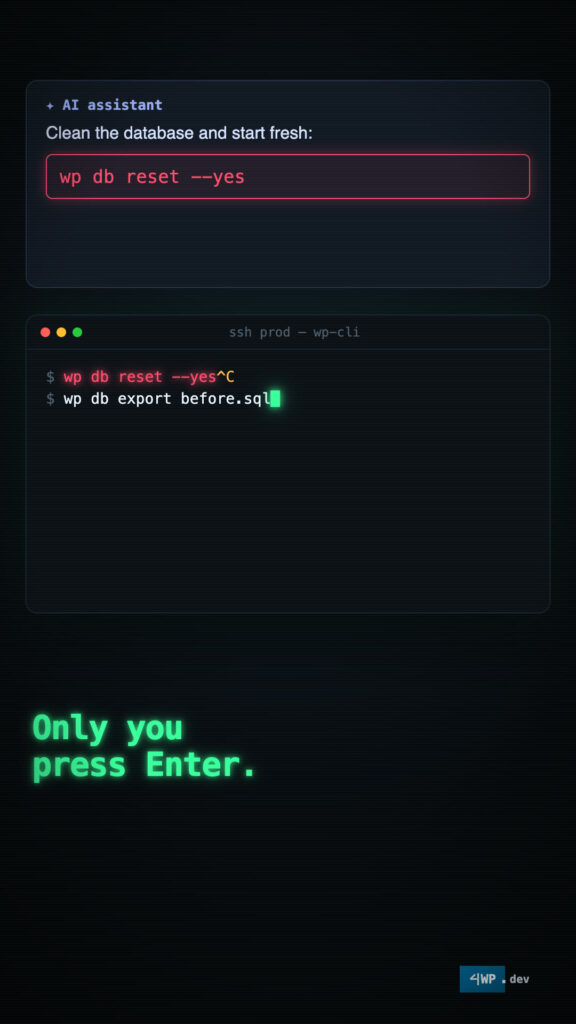
Why WP-CLI
wp-admin shows you WordPress. WP-CLI runs it. Everything wp-admin does, and what it can’t: search-replace with a dry run, a database export, a password reset without email, cron…
-
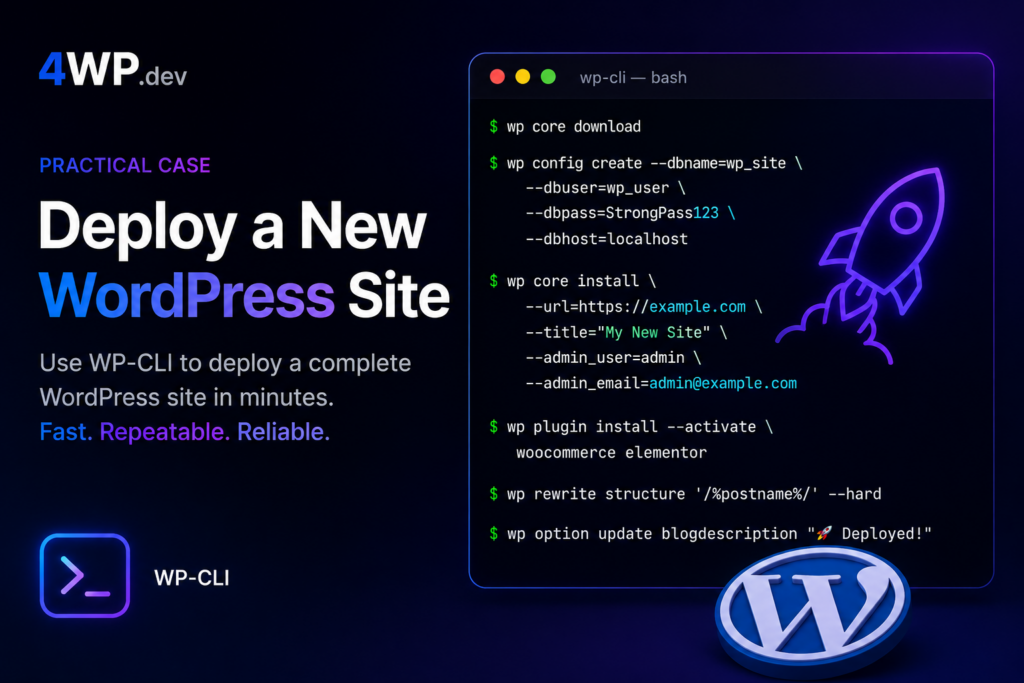
Deploy a New WordPress Site
Complete a full WordPress installation from scratch using WP-CLI. Follow the steps in the correct order — each command builds on the previous one.