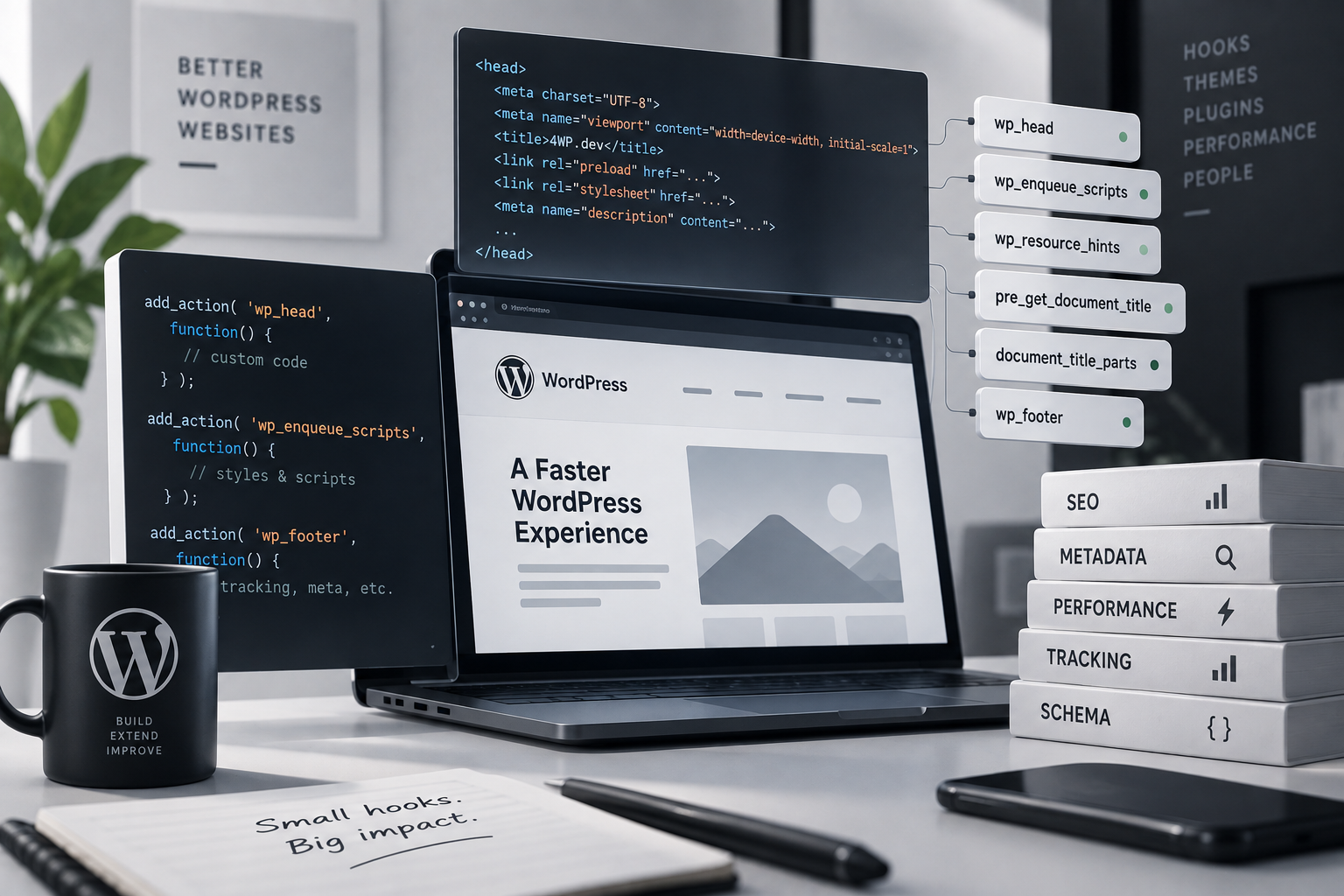
These five hooks control what WordPress writes into <title>, into <head>, into the <body> class list, and right before </body>. On paper, plumbing. In practice, this is exactly where the bugs hide that never throw an error — the code just quietly does nothing, and you spend an hour looking for what “broke.”
wp_title vs document_title_parts: a silent death on block themes
A classic example — filtering the page title:
add_filter( 'wp_title', function( $title, $sep ) {
	if ( is_singular( 'product' ) ) {
		$title = get_the_title() . ' — ' . $seo_focus_keyword . ' ' . $sep . ' ' . $title;
	}
	return $title;
}, 10, 2 );
The code is valid, there’s no error, and it works fine on a classic theme. But on a block/FSE theme, <title> is no longer built through the wp_title() function — WordPress builds it through wp_get_document_title(), which never calls the wp_title filter at all. Your add_filter simply never fires. No PHP warning, nothing in the log — the page title just stays at its default, and you can spend an hour checking everything except the theme.
The modern replacement works with an array of title parts instead of a finished string:
add_filter( 'document_title_parts', function( $parts ) {
	if ( is_singular( 'product' ) ) {
		$parts['title'] = get_the_title() . ' — ' . $seo_focus_keyword;
	}
	return $parts;
} );
In the old filter, $sep and $seplocation are the separator between title segments (e.g. -, |, •) and its position (left or right) — and it’s on you to splice that separator into the right spot in the string by hand. With document_title_parts you never touch the separator at all — WordPress itself joins the array of parts (title, page, tagline, site) into the final <title>. That makes this version both more reliable and consistent across classic and block themes alike.
Rule of thumb: writing new code — use document_title_parts. Spot wp_title in someone else’s code — first question: “is this theme even classic?”
body_class: the underused hook
Very often, instead of a single filter, developers reach for extra markup wrappers and !important-laden CSS just to target an element by user role or device type. One filter on the <body> class does the same job:
add_filter( 'body_class', function( $classes ) {
	if ( is_user_logged_in() && current_user_can( 'subscriber' ) ) {
		$classes[] = 'is-subscriber';
	}
	if ( wp_is_mobile() ) {
		$classes[] = 'is-mobile-view';
	}
	return $classes; // return, not echo
} );
From there it’s a plain CSS selector (body.is-subscriber .price { ... }) — no extra markup in the template at all. The typical mistake here is echo instead of return: the filter won’t throw, the class just never appears — again, with no warning.
wp_head and wp_footer: two print slots
Briefly: wp_head is for meta tags and small inline snippets in <head>; wp_footer is for deferred scripts, analytics, and chat widgets right before </body>. The main mistake is printing <script>/<link> tags directly through these hooks instead of wp_enqueue_script/wp_enqueue_style — it breaks dependency management and cache-busting, again without a single error in the console. A full breakdown of this pair, alongside wp_enqueue_scripts and a Classic vs FSE comparison, lives in a separate post, “3 Hooks Classic vs FSE.”
Wrap-up
All five hooks in this category share one thing: when something’s wrong with them, WordPress doesn’t tell you. There’s no error — just a title that didn’t change, a class that never showed up, or a script that loaded twice. Every hook here comes with full examples and a live practice IDE on the Head & Meta Hooks category page — or grab the whole set as one PDF.