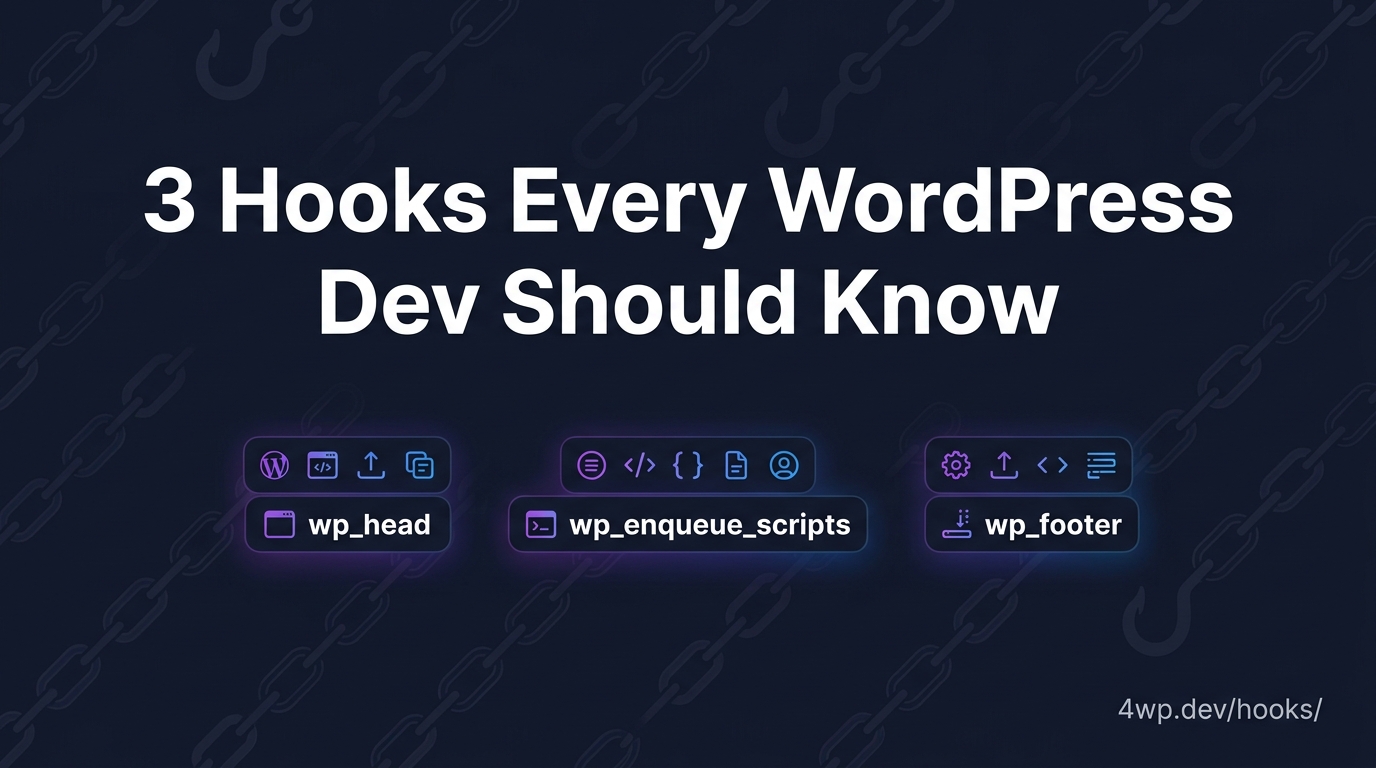
These three hooks fire on every single WordPress site, no matter what theme is running underneath. The hook itself never changes. What changes — quietly, and in ways most tutorials never mention — is how it gets called.
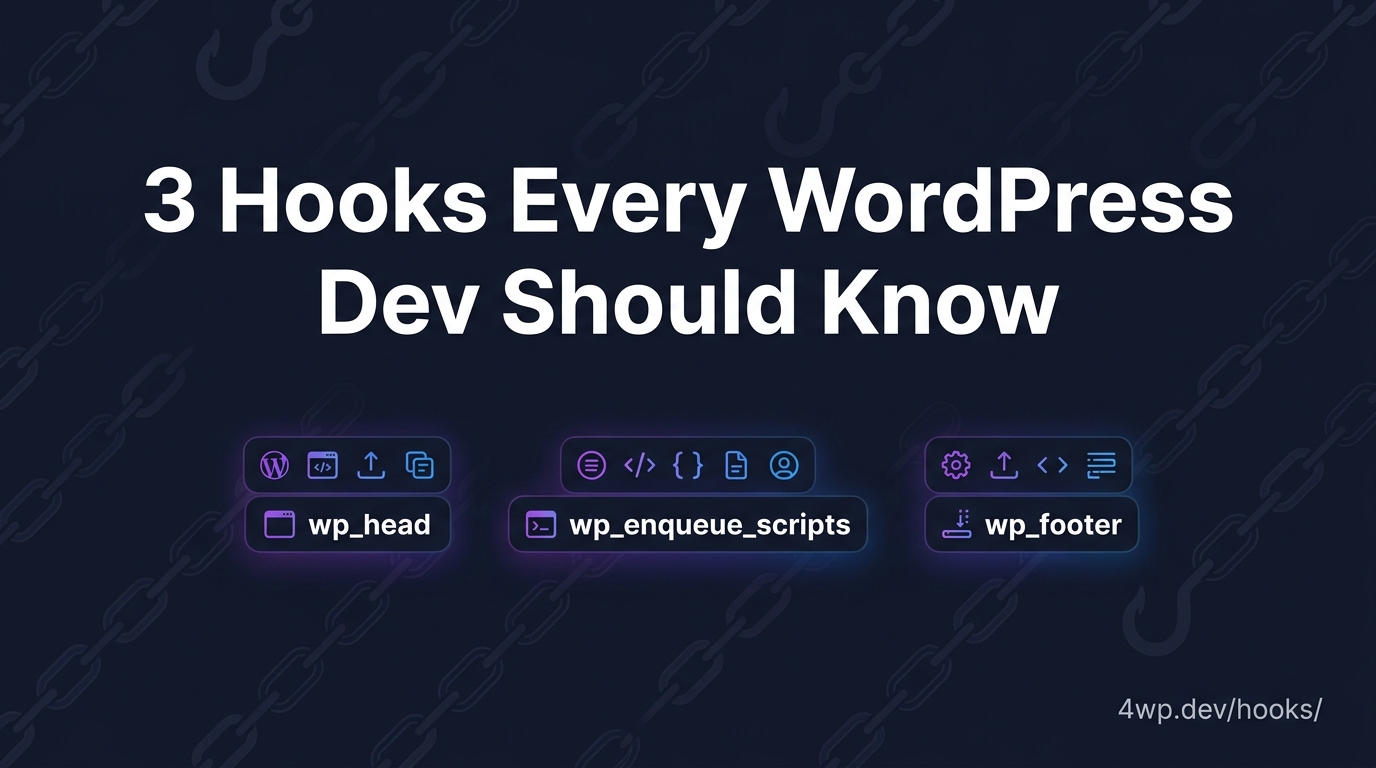
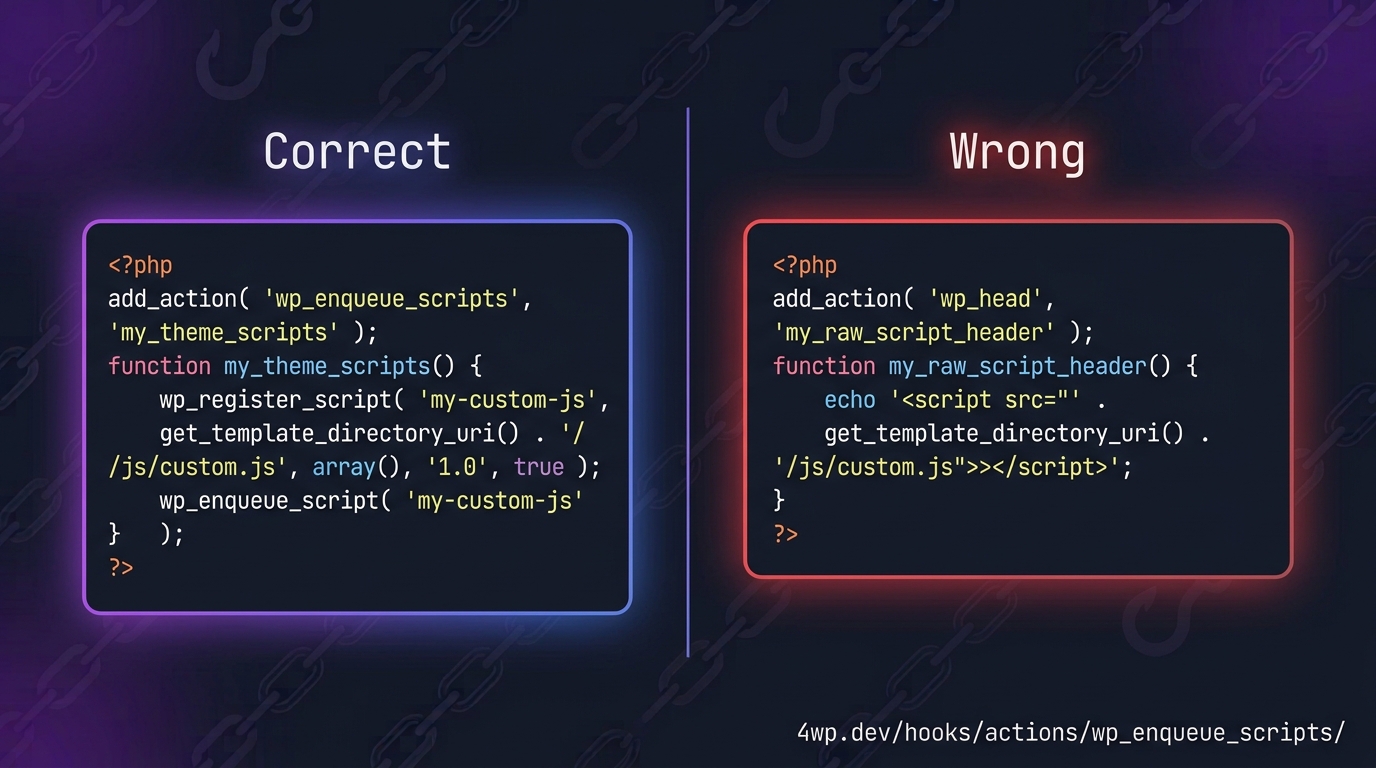
If you learned WordPress on a classic theme, you know the drill: wp_head() and wp_footer() get called by hand inside header.php and footer.php, and wp_enqueue_scripts is the hook you use instead of echoing
wp_head — same hook, no more header.php
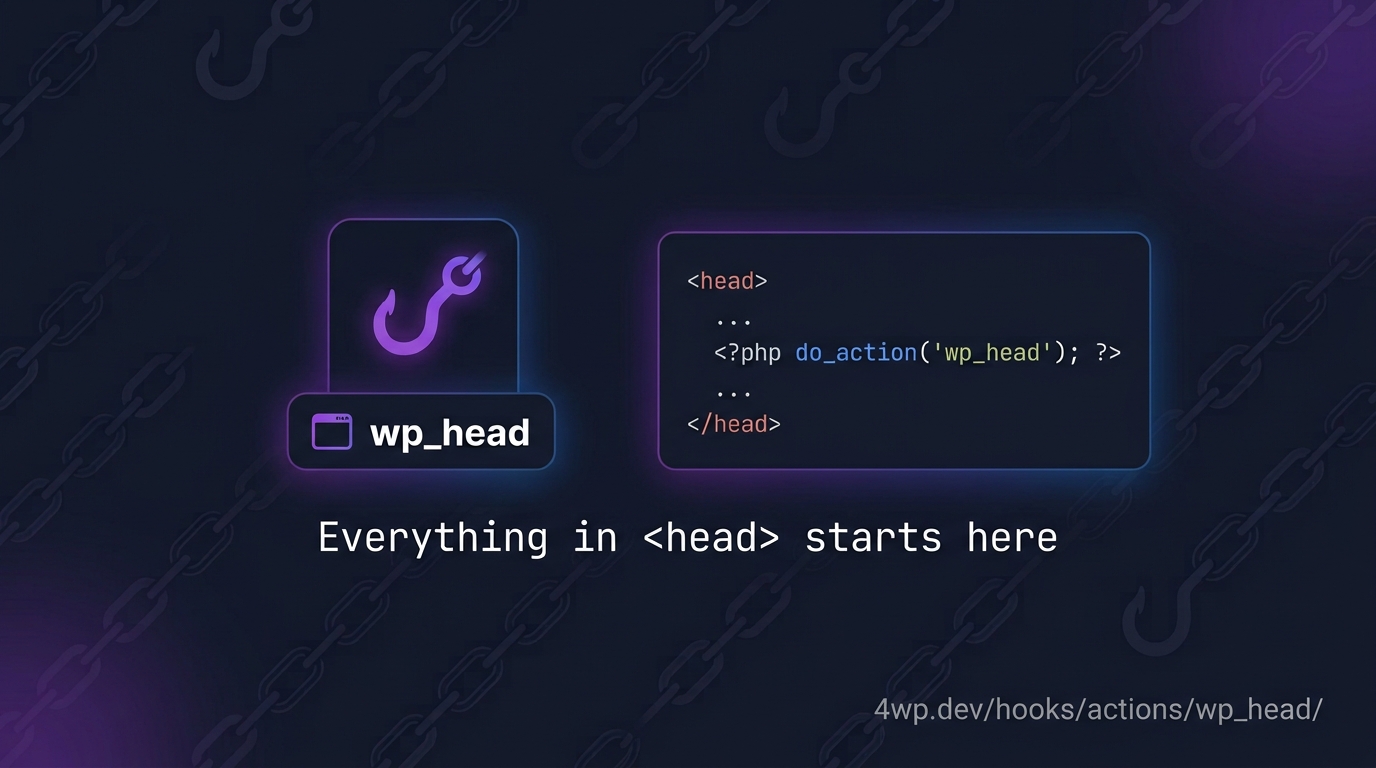
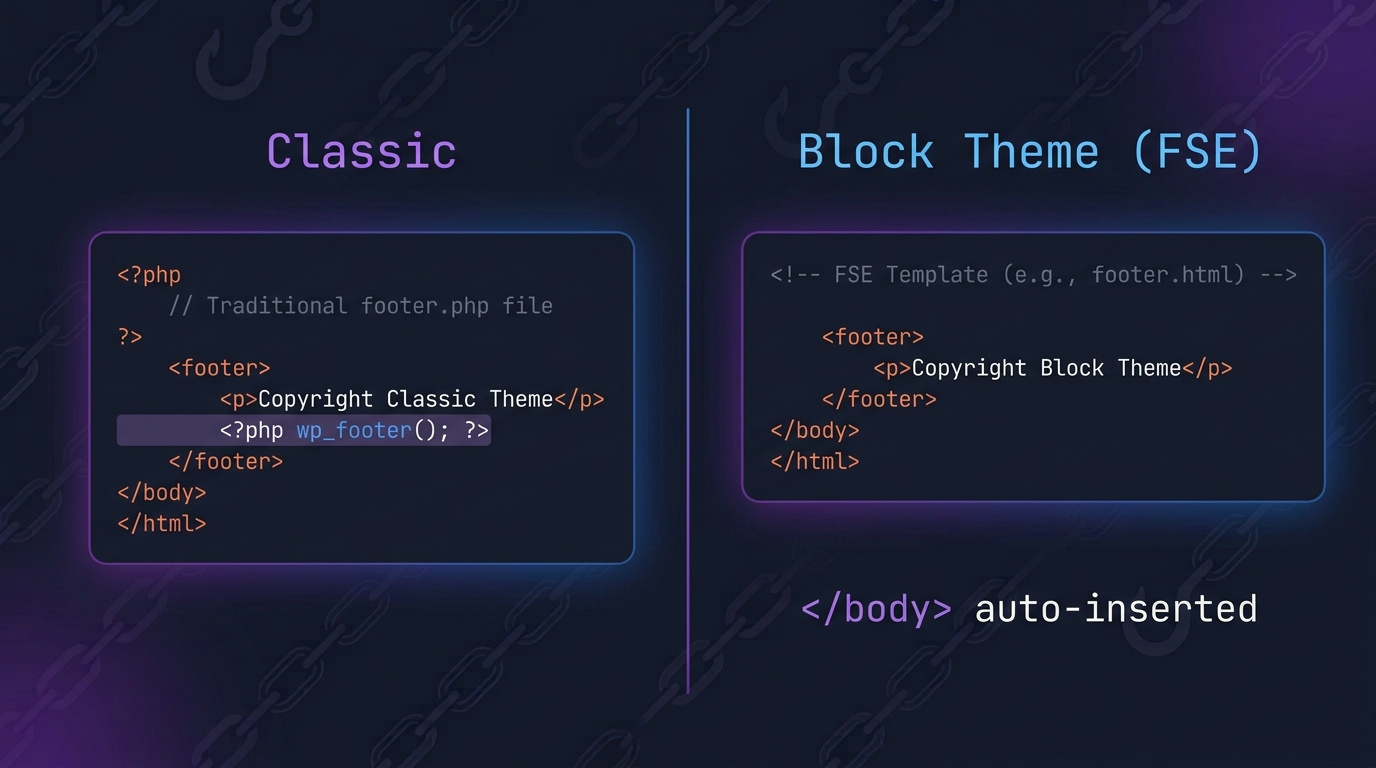
wp_head fires identically in both theme types — any callback you register here still runs, the timing doesn’t change, nothing about the hook itself is different. What’s different is who calls it. In a classic theme, wp_head() is a line of PHP you write yourself, inside header.php. In a block theme, there is no header.php to write it in — WordPress inserts the wp_head() call automatically, wrapped around the block-based template output. You never see it, you never touch it, and it still fires.
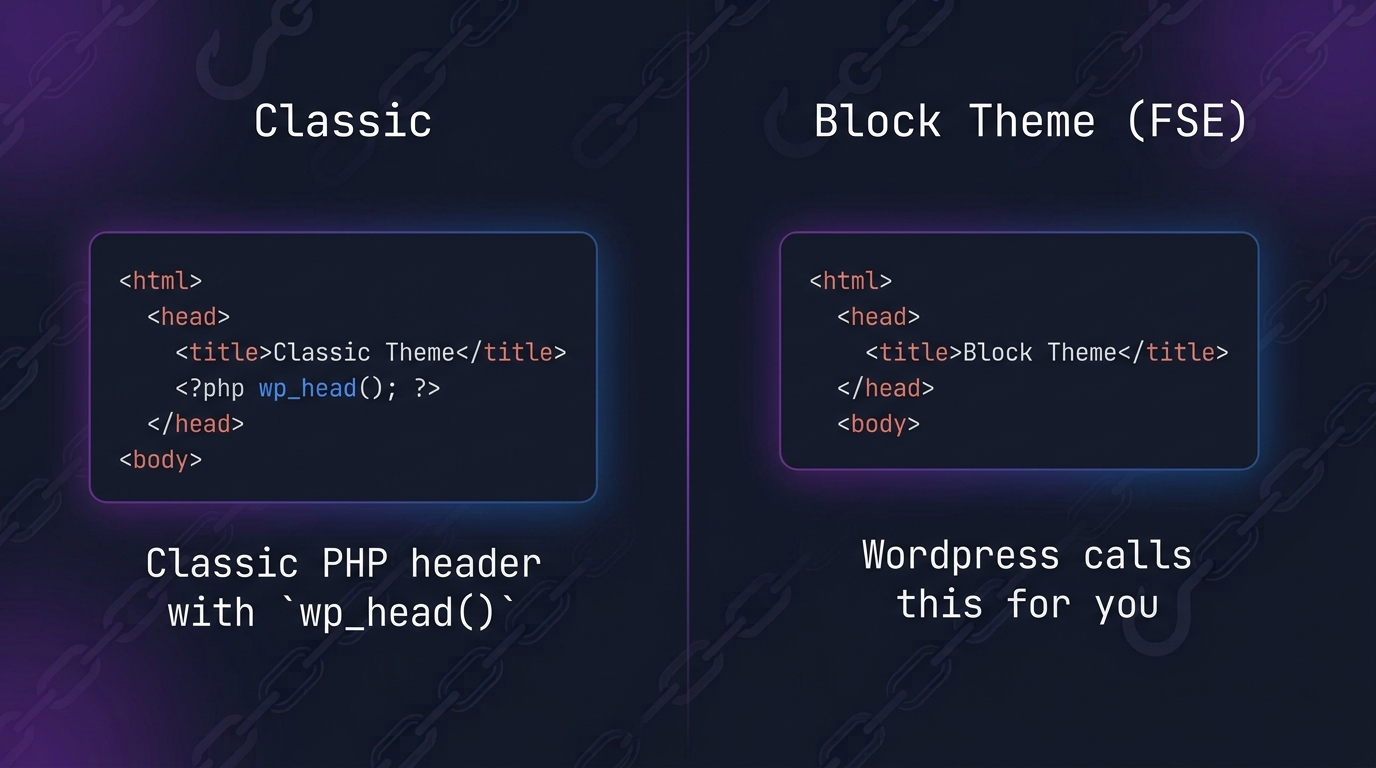
Common mistake: assuming a block theme “doesn’t support” wp_head because there’s no visible call site. It does — you just don’t write it.
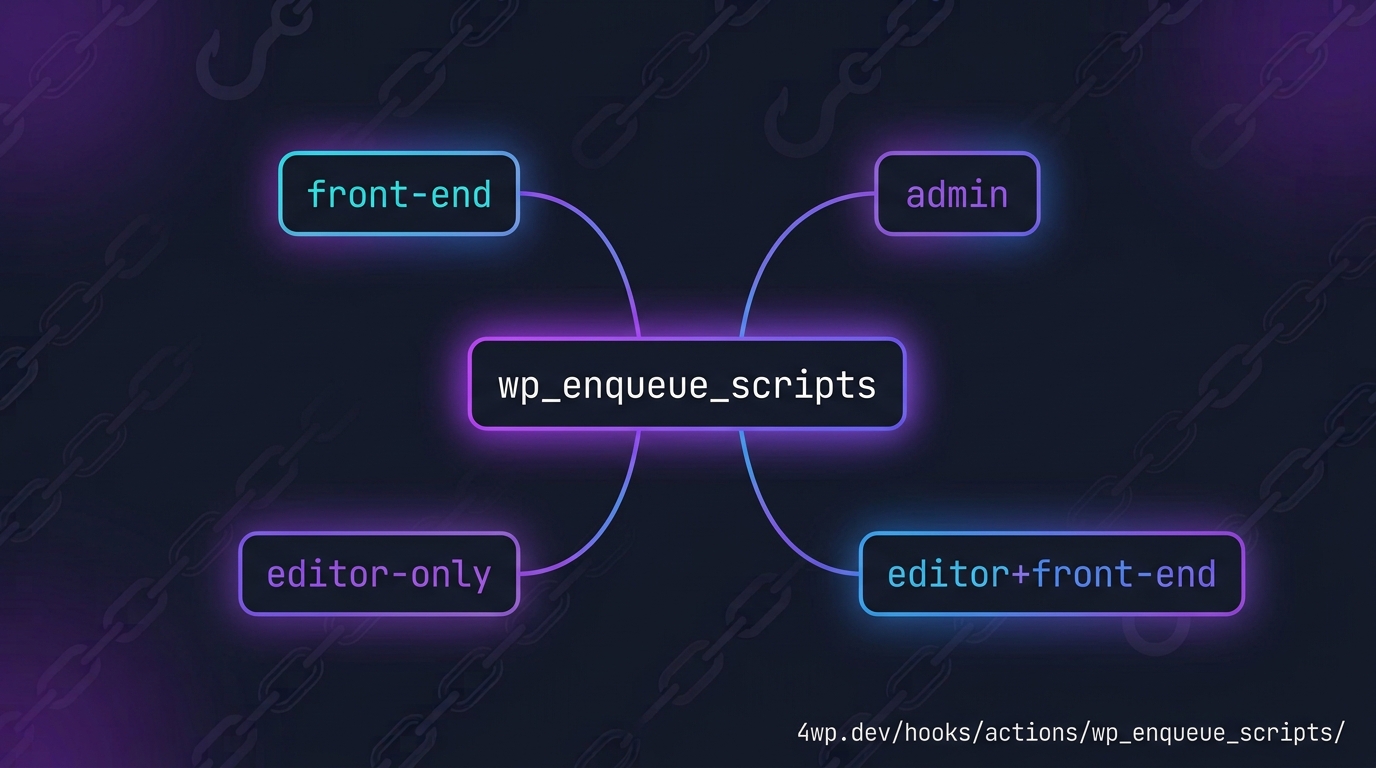
wp_enqueue_scripts — the rule doesn’t change, but check where you’re loading from
wp_enqueue_scripts is still the only correct hook for front-end CSS and JS, in either theme type. No difference there. What’s shifted around it: jQuery is on its way out as a bundled default, and the block editor itself has its own separate loading hooks — enqueue_block_editor_assets for editor-only scripts, enqueue_block_assets for scripts needed in both the editor and the front-end. A script that never shows up on your page is, more often than not, enqueued on the wrong one of these four hooks.
wp_footer — the last print slot, auto-inserted in FSE too
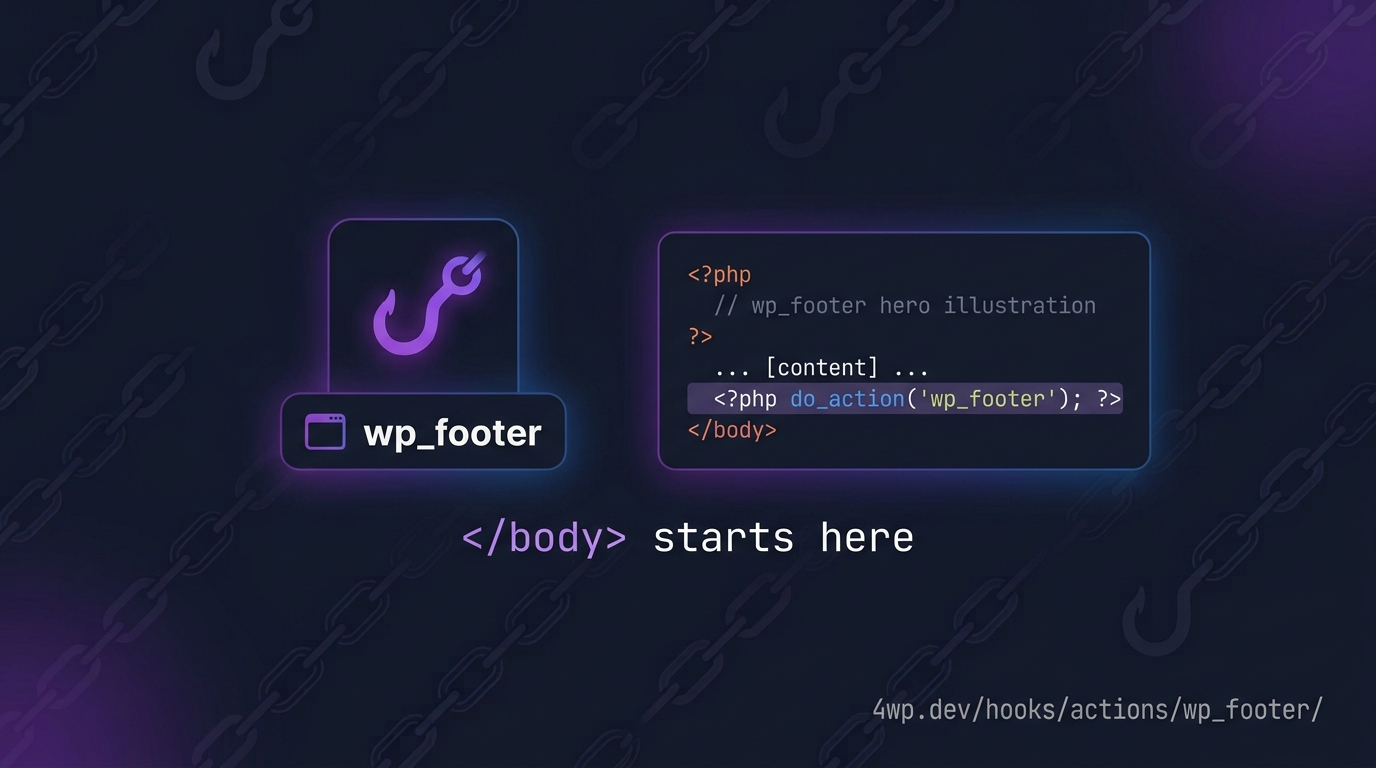
Same story as wp_head: classic themes call wp_footer() by hand right before ; block themes get it inserted automatically around the template, same timing, same result. It’s still the right place for deferred scripts, analytics, and chat widgets that shouldn’t block the initial render — that part hasn’t changed even a little.
See it run, not just read about it
Reading the difference is one thing. Watching a callback actually fire, step by step, inside a real functions.php file, is another. Every hook on 4wp.dev ships with an interactive practice IDE — a guided, Back/Next tour through the hook’s real behavior, with a live code editor and a couple of quick checks along the way. No quiz pressure, no wrong answers that lock you out — just click through at your own pace.
Try it yourself: pick any of the three hooks above and run the practice tour on its page.
Where to go next
wp_head, wp_enqueue_scripts, and wp_footer are one natural cluster — they load in sequence on every front-end request, classic or block theme alike. Browse the full reference for all three, or jump into the FSE-specific notes on each hook page to see exactly what else changes across the rest of the WordPress hook catalog.
- 4wp.dev/hooks/actions/wp_head/
- 4wp.dev/hooks/actions/wp_enqueue_scripts/
- 4wp.dev/hooks/actions/wp_footer/
- 4wp.dev/hooks/actions/
FAQ
Do I need coding skills to use 4WP plugins?
No. 4WP plugins are built for the WordPress admin and Block Editor. Install from the plugin catalog, follow the setup guide on each plugin page, and configure options in wp-admin — no PHP or HTML required.