
Head & Meta Hooks: The Silent Failures WordPress Won’t Warn You About
These five hooks control what WordPress writes into <title>, into <head>, into the <body> class list, and right before </body>. On paper, plumbing. In practice, this is exactly…
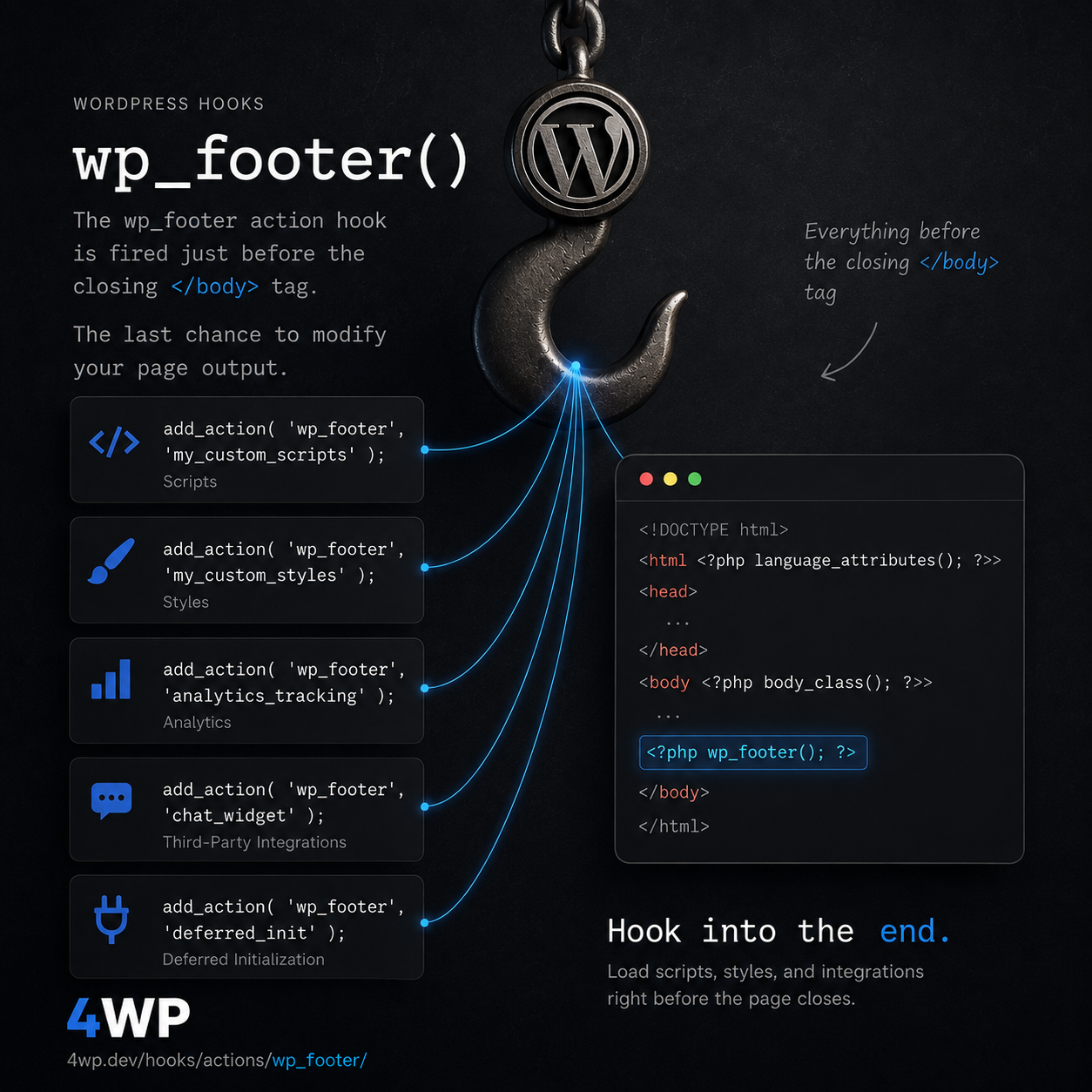
Action Hook since 1.5.1
Fires before </body> closing tag
wp_footer is the last print slot on the front-end. Deferred scripts, analytics, and widgets that must load after content belong here.
Front-end, inside wp_footer() at the end of the template. After the main content has rendered.
do_action( 'wp_footer' );add_action( 'wp_footer', function() {
echo '<script>console.log("Footer loaded");</script>';
} );Print a script immediately before </body>.
add_action( 'wp_footer', function() {
    if ( is_user_logged_in() ) {
        return;
    }
    echo '<script async src="https://example.com/analytics.js"></script>';
} );
Load an analytics script only for logged-out visitors.

These five hooks control what WordPress writes into <title>, into <head>, into the <body> class list, and right before </body>. On paper, plumbing. In practice, this is exactly…
These three hooks fire on every single WordPress site, no matter what theme is running underneath. The hook itself never changes. What changes — quietly, and in ways…
Large synchronous <script src> tags echoed in wp_footer still delay paint — add the async/defer attribute instead of a raw echoed tag.
No — a block (FSE) theme has no footer.php to edit. WordPress calls wp_footer() automatically after the block template renders, so anything hooked here still prints right before </body>.
Source: wp-includes/general-template.php
One session: this hook, then each related_hooks entry. Walk it and tell us what to change.
wp_footer → wp_head → wp_enqueue_scripts
Practice the wp_footer WordPress action hook in our interactive sandbox — a VS Code-style editor with a step-by-step wp_footer tutorial, add_action exercises, and instant feedback. No local WordPress install required.