

Filter Hook since 2.2.3

wp_mail_from

Filters the from-address used by wp_mail()

Description

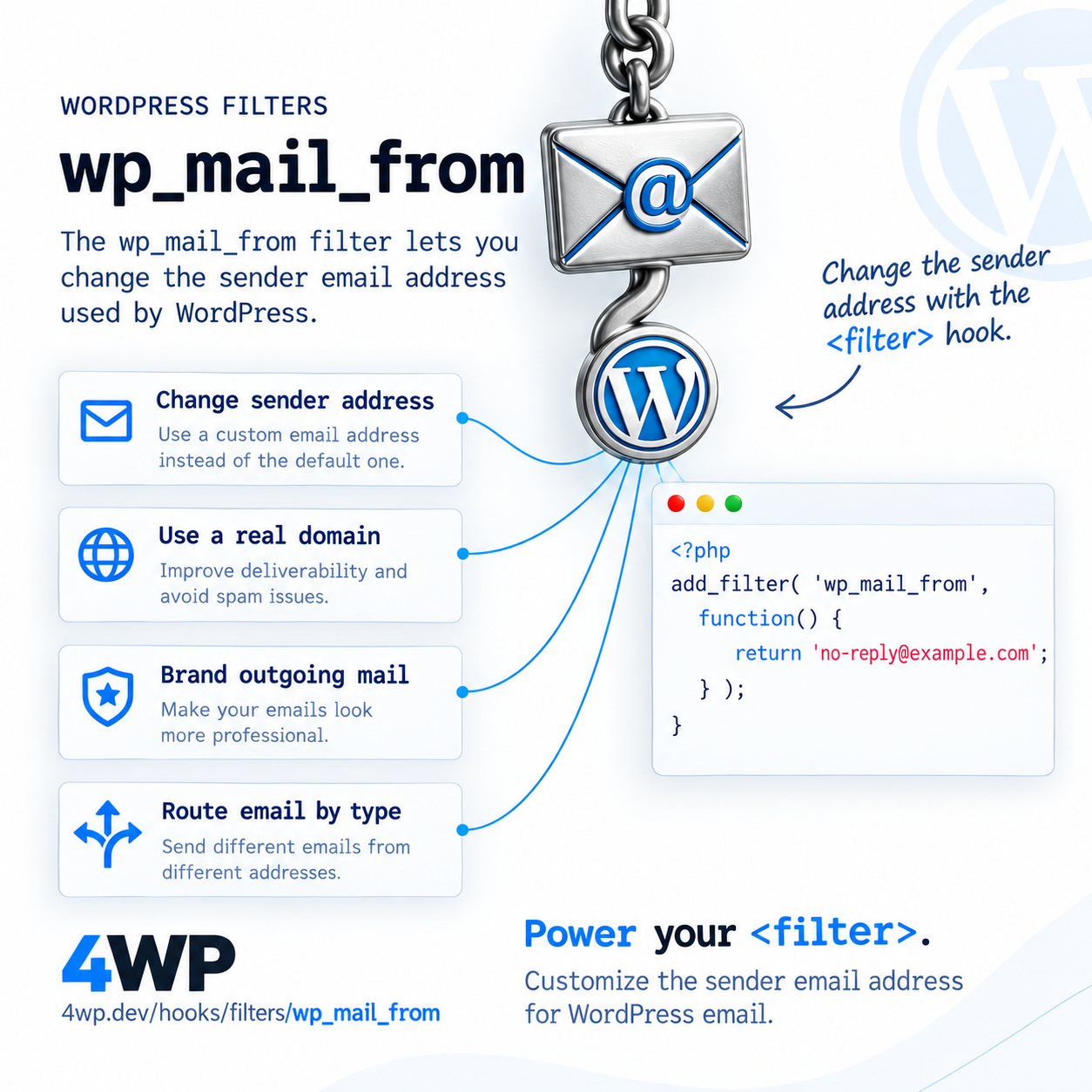
wp_mail_from fixes the wordpress@yourdomain.com sender WordPress uses by default — pair it with wp_mail_from_name to fully brand outgoing mail.

When it runs

Inside wp_mail(), every time any part of WordPress or a plugin sends an email.

Signature

apply_filters( 'wp_mail_from', string $from_email );

Parameters

  • $from_email string — Sender email address.

Examples

Basic

add_filter( 'wp_mail_from', function() {
    return 'no-reply@example.com';
} );
add_filter( 'wp_mail_from_name', function() {
    return get_bloginfo( 'name' );
} );

Replace the default sender address and name for every outgoing email.

Common Use Cases

  • Fix deliverability by using a real domain address
  • Brand transactional emails with the site name
  • Route different email types from different addresses

Common mistakes

  • Setting a from-address on a domain without matching SPF/DKIM records — mail still lands in spam regardless of this filter

Related hooks

FAQ

Does changing wp_mail_from fix WordPress emails going to spam?

It helps, but deliverability mainly depends on SPF/DKIM/DMARC records and your mail sending method — this filter alone won't fix a misconfigured domain.

Source: wp-includes/pluggable.php

Group wizard

One session: this hook, then each related_hooks entry. Walk it and tell us what to change.

wp_mail_from → wp_login

functions.php — wp_mail_from
functions.php
PHP wp_mail_from · Hook 1 of 2 · Step 1 of 6

Practice the wp_mail_from WordPress filter hook in our interactive sandbox — a VS Code-style editor with a step-by-step wp_mail_from tutorial, add_filter exercises, and instant feedback. No local WordPress install required.