
Head & Meta Hooks: The Silent Failures WordPress Won’t Warn You About
These five hooks control what WordPress writes into <title>, into <head>, into the <body> class list, and right before </body>. On paper, plumbing. In practice, this is exactly…

Action Hook since 1.5.0
Outputs content in the <head> section
wp_head is the print slot inside document head. Use it for meta tags and inline snippets — not for enqueueing CSS or JS files.
Front-end, inside wp_head(). Asset queues are already built by wp_enqueue_scripts; callbacks here print markup.
do_action( 'wp_head' );add_action( 'wp_head', function() {
echo '<meta name="theme-color" content="#0073aa">';
} );Print a theme-color meta tag in the document head.
add_action( 'wp_head', function() {
    if ( ! is_singular( 'post' ) ) {
        return;
    }
    printf(
        '<meta property="og:title" content="%s">',
        esc_attr( get_the_title() )
    );
} );
Output an Open Graph title only on single posts.
add_action( 'wp_head', function() {
    // This never runs in wp-admin.
    if ( is_admin() ) {
        return;
    }
} );
wp_head does not fire in admin screens — put admin CSS on admin_enqueue_scripts.
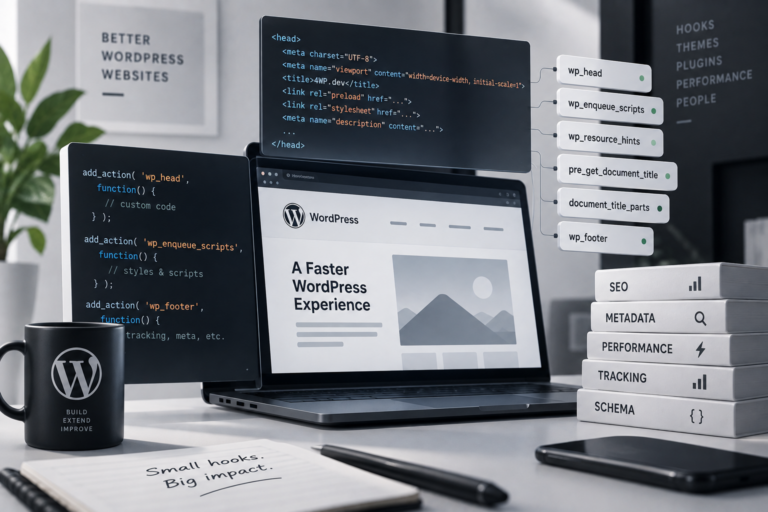
These five hooks control what WordPress writes into <title>, into <head>, into the <body> class list, and right before </body>. On paper, plumbing. In practice, this is exactly…
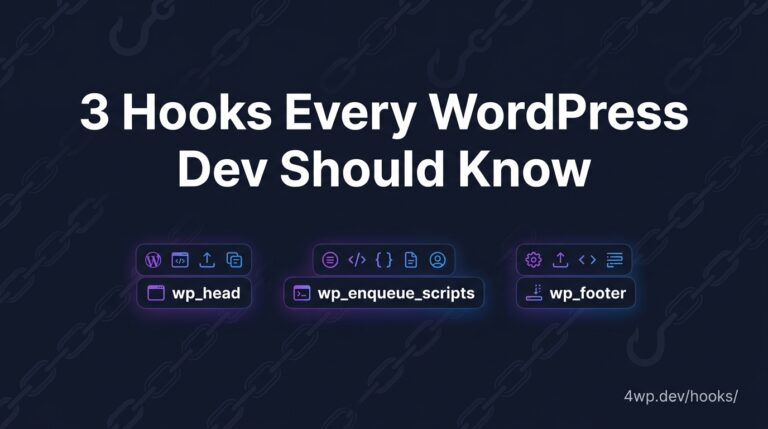
These three hooks fire on every single WordPress site, no matter what theme is running underneath. The hook itself never changes. What changes — quietly, and in ways…
No. Hook wp_enqueue_scripts, then let core print the tags during wp_head.
Yes. WordPress auto-inserts wp_head()/wp_footer() around the block-based template output, so every callback you register still runs — you just never see or edit the call site yourself.
Source: wp-includes/general-template.php
One session: this hook, then each related_hooks entry. Walk it and tell us what to change.
wp_head → wp_enqueue_scripts → wp_footer
Practice the wp_head WordPress action hook in our interactive sandbox — a VS Code-style editor with a step-by-step wp_head tutorial, add_action exercises, and instant feedback. No local WordPress install required.