

Filter Hook since 2.5.0
manage_posts_columns
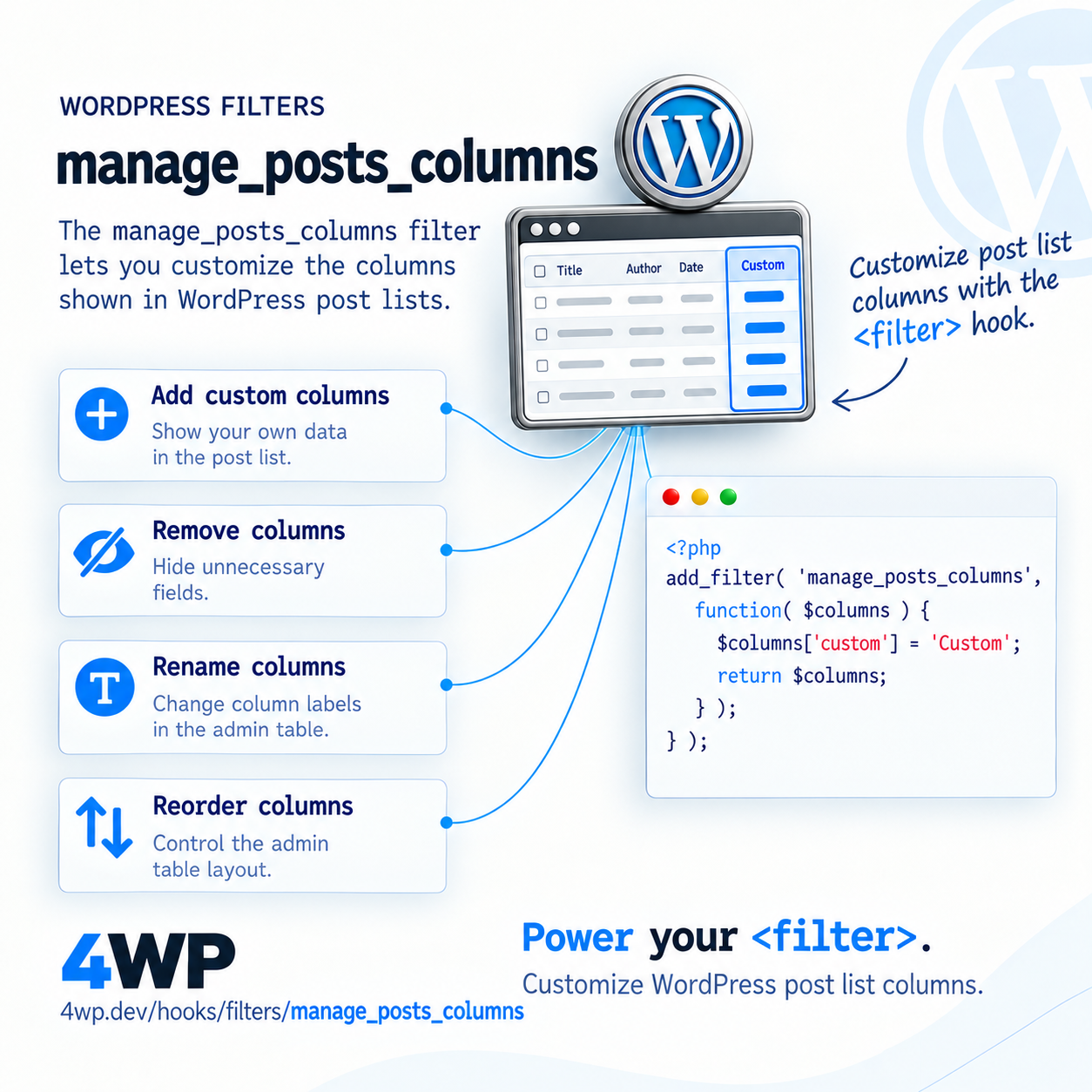
Adds or removes columns on the admin post list table
Description
manage_posts_columns controls what shows up in wp-admin's post list table — add a custom column here, then fill it with manage_posts_custom_column.
When it runs
wp-admin Posts list screen only, when the table header renders. For a custom post type, the equivalent is manage_{post_type}_posts_columns.
Signature
apply_filters( 'manage_posts_columns', string[] $columns );Parameters
$columnsstring[] — Column slug => label, in display order.
Examples
Basic
add_filter( 'manage_posts_columns', function( $columns ) {
$columns['word_count'] = 'Word Count';
return $columns;
} );Add a new column header to the Posts list.
Real case
add_filter( 'manage_posts_columns', function( $columns ) {
unset( $columns['comments'] );
$columns['reading_time'] = 'Reading Time';
return $columns;
} );Remove the default Comments column and add a custom one instead.
Common Use Cases
- Show custom field values in the post list at a glance
- Remove default columns you don't need (Author, Comments)
- Control column display order
- Build a lightweight custom dashboard view
Common mistakes
- Adding a column here but forgetting to also hook manage_posts_custom_column — the column header shows up but every cell is empty
Related hooks
FAQ
I added a column but the cells are blank — what's missing?
manage_posts_columns only adds the header. You also need add_action( 'manage_posts_custom_column', ... ) to echo the actual value for each row/column combination.
Source: wp-admin/includes/class-wp-posts-list-table.php